
TL;DR
You can get cleaner AI video results on HappyHorse AI when you write prompts as six compact parts. You combine subject, action, style, camera, lighting, and quality in that order. You keep each line short. You add one main motion per clip. You use the HappyHorse-1.0 model when you want balanced realism and motion control. You read this guide when you want fifty or more ready examples plus templates you can paste today.
If you are new to the platform, you should start with our overview at What is HappyHorse AI Video Generator. You can follow the full workflow in How to use HappyHorse: complete guide. You can also explore the dedicated helper in AI video prompt generator guide.
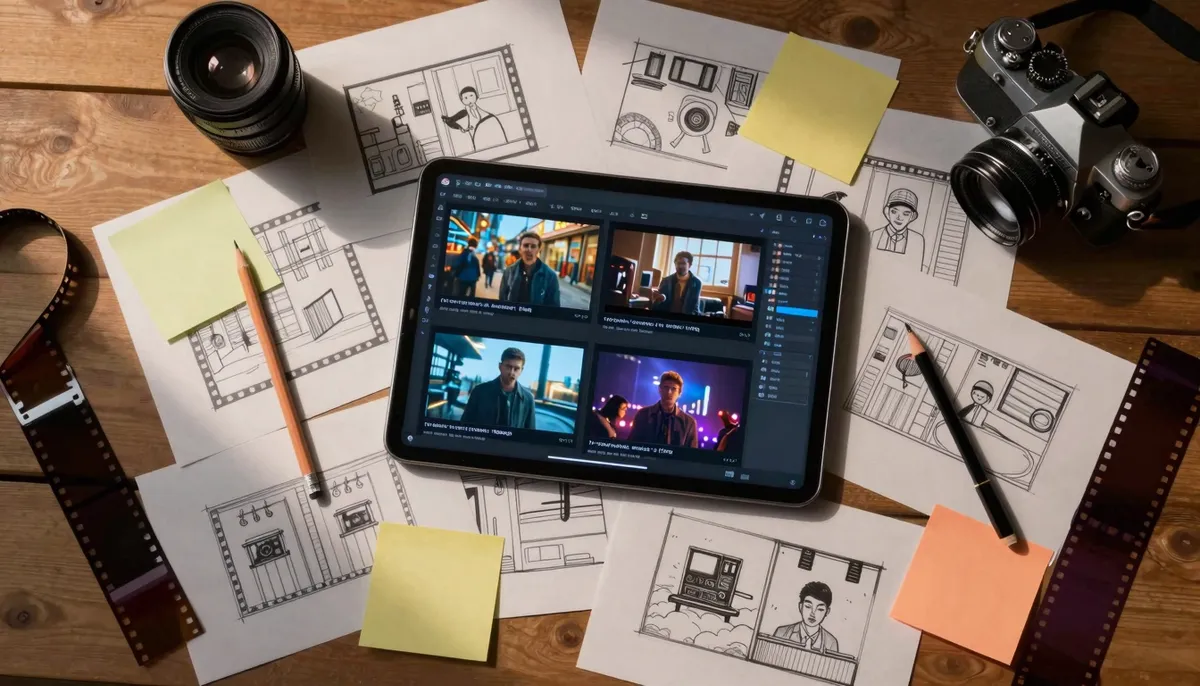
Use this guide as a repeatable system for writing prompts that match how modern AI video models read language.
Why structured prompts matter for AI video
You might feel tempted to write long paragraphs. You might hope the model will “figure it out.” In practice, you get better clips when you give the system clear nouns, one primary verb, and camera words it can map to motion. You reduce randomness. You make failure easier to debug.
You should think like a cinematographer and a storyboard artist. You should not think like a novelist in a single prompt block. You can save prose for shot lists across multiple generations.
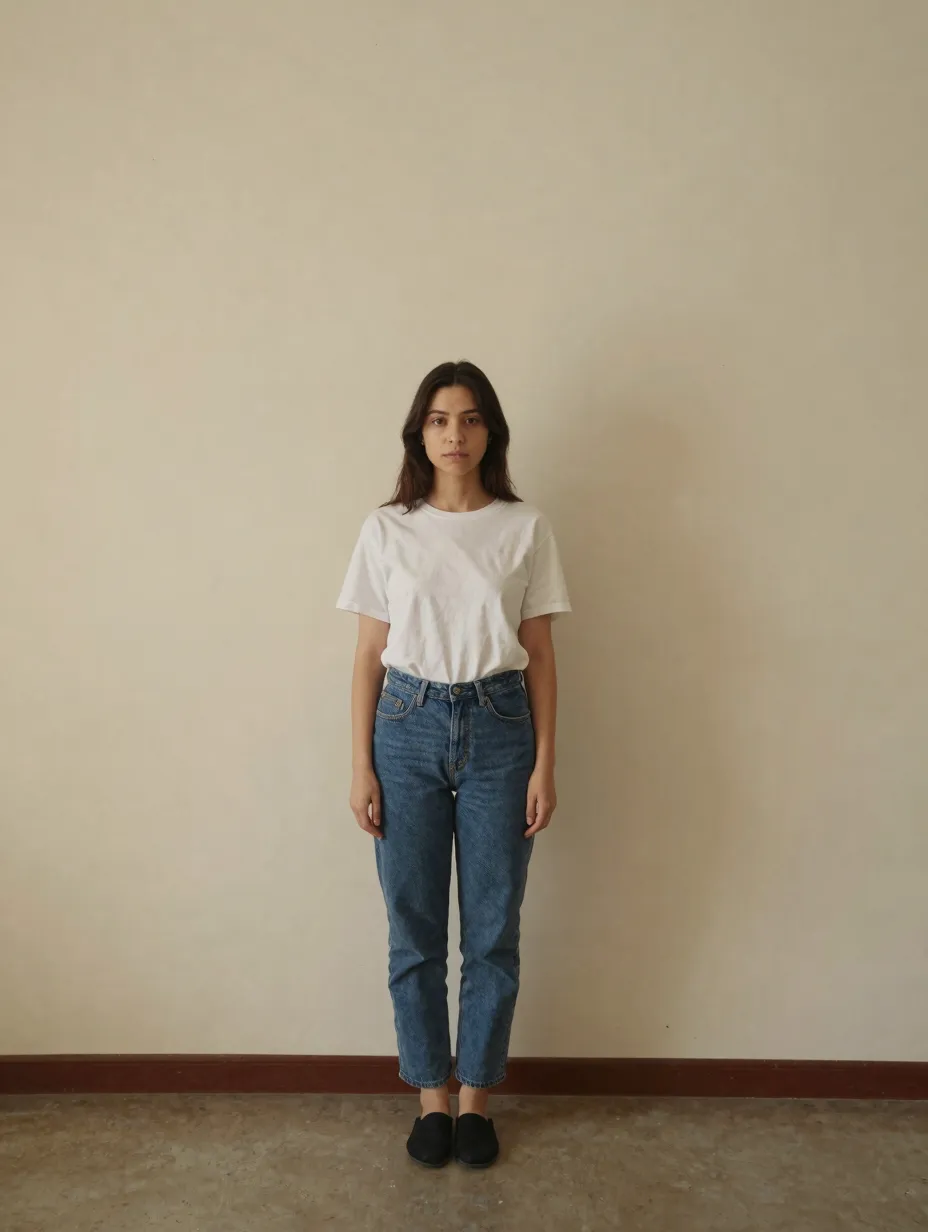
Vague prompts often produce drifting subjects and unclear motion because the model must guess your intent.
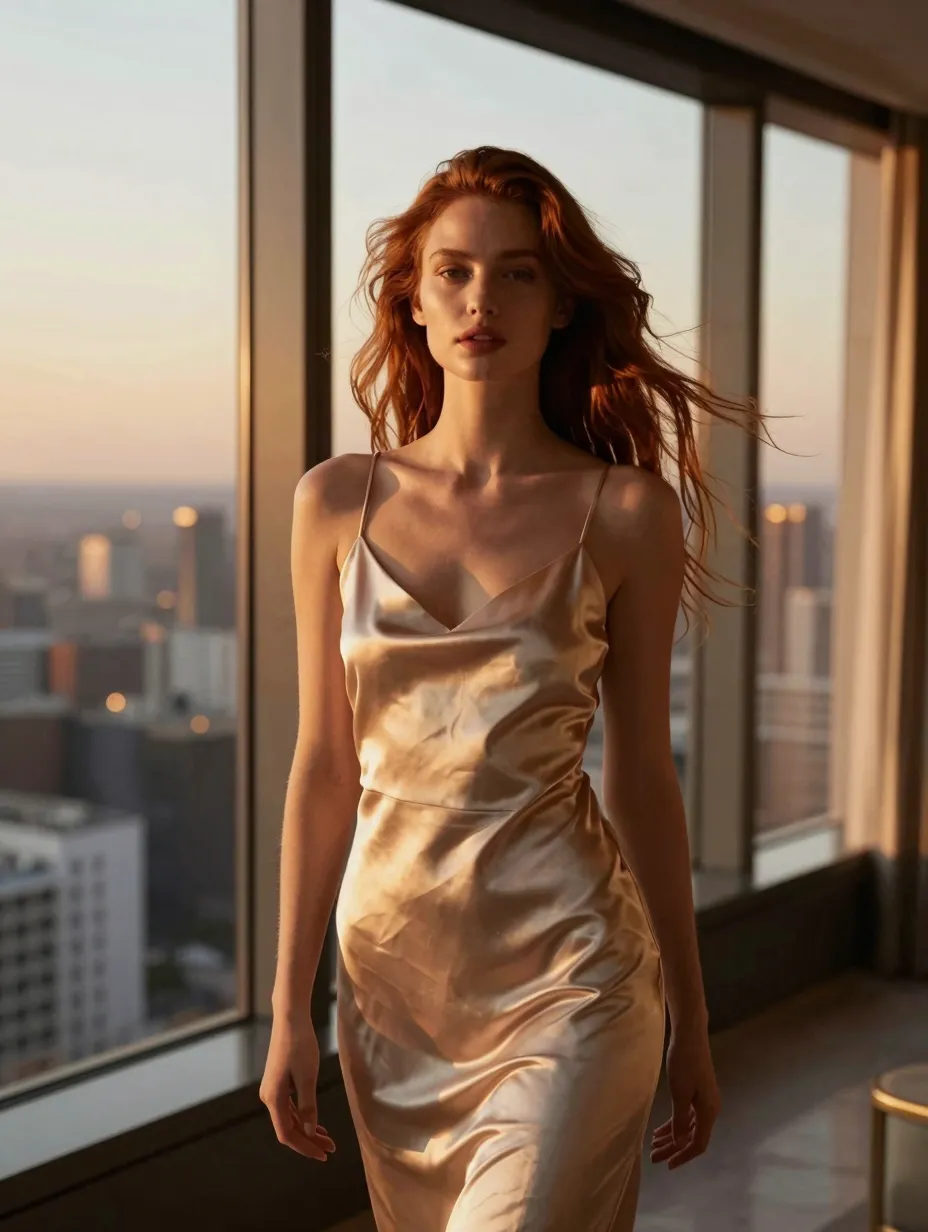
Structured prompts give the model stable anchors for subject, motion, and lens behavior on HappyHorse AI.
Quick checklist before you generate
- You name one main subject.
- You choose one primary action.
- You pick a style that fits the brand or film look.
- You add shot size and lens words.
- You describe light simply.
- You end with quality cues that do not contradict earlier lines.
Who this guide helps
- Solo creators who want repeatable shots for social feeds.
- Small studios who must align interns and contractors on one prompt language.
- Marketers who test hooks fast without reshoots.
- Educators who teach visual literacy with modern tools.
EEAT note: how we wrote these examples
HappyHorse AI publishes this guide from a product team that ships HappyHorse-1.0 inside a live web app on happyhorse-turbo.org. We write prompts the same way we advise here. We prefer honest limits over hype.
We do not claim every line will work identically on every future update. Models change. You should keep your own notes when you see drift.
We separate facts about our product from general creative guidance. When we describe prompt behavior, we describe patterns users report and patterns we observe in structured tests.
Shot size and lens vocabulary (quick table)
| Shot label | What the viewer feels | Common lens feel | Pair with |
|---|---|---|---|
| Extreme wide | scale, isolation, geography | 18–24mm | slow pan, drone glide |
| Wide | context, geography | 24–35mm | dolly, crane, gentle handheld |
| Medium | relationship, gesture | 35–50mm | truck, subtle push |
| Medium close-up | intent, hands, tools | 50–65mm | slow arc, rack focus |
| Close-up | emotion, detail | 65–105mm | micro handheld, locked-off |
You do not need exact millimeters every time. You should stay consistent when you iterate.
Three iteration rules that save time
- One variable: you change camera OR lighting OR action, not all three at once.
- Save seeds and settings: you record what the app stores for HappyHorse AI when available.
- Name the failure: you write “hands melted” or “horizon tilted” before you tweak.
The HappyHorse prompt formula
You can memorize the formula as six brackets. You fill each bracket with a short phrase. You avoid repeating the same idea in different words.
[Subject] + [Action] + [Style] + [Camera] + [Lighting] + [Quality]
You should keep the total prompt readable in one glance. You should prefer twelve to twenty-four short lines over one giant wall of text. You can separate clauses with commas when you want a single paragraph style.
Subject
You name what the viewer should watch. You name people, wardrobe, props, and location. You add one distinctive detail. You avoid ten unrelated details.
Action
You describe motion that fits a short clip. You pick one primary movement. You add a secondary movement only if it is simple.
Style
You choose film stock, animation, or painterly looks. You name era and palette if they matter. You keep style words consistent with your subject.
Camera
You specify shot size, lens feel, and movement. You use words like wide, medium, close-up, dolly in, handheld, gimbal, and crane up. You match movement speed to the action.
Lighting
You name time of day and key direction. You add fog, rain, haze, or neon spill when needed. You keep lighting compatible with your style words.
Quality
You request sharp focus, clean edges, stable motion, and natural skin texture when relevant. You avoid stacking contradictory demands.
Mini example two (commercial product)
- Subject: matte black headphones on a concrete ledge
- Action: cable sways slightly in a light breeze
- Style: clean tech commercial, minimal set
- Camera: 100mm macro feel, slow push-in, tripod-smooth
- Lighting: soft key from left, subtle rim from back right
- Quality: crisp texture, stable logo geometry, no warped text
Mini example three (documentary interview)
- Subject: chef in a busy kitchen prep island
- Action: chops vegetables with steady rhythm
- Style: modern documentary, natural color
- Camera: 40mm, over-the-shoulder drift, slow lateral move
- Lighting: warm practicals, soft fill from window
- Quality: stable hands, readable steam, natural skin
Example line using the formula
- Subject: a lone cyclist on a wet city bridge at night
- Action: pedals steadily forward as rain streaks across frame
- Style: neo-noir, cinematic contrast, subtle film grain
- Camera: 35mm lens, medium tracking shot from the side, slow dolly parallel
- Lighting: red neon rim light, cool street fill, reflections on wet asphalt
- Quality: high detail, stable subject, no morphing wheels
You can paste that block into HappyHorse AI after you select HappyHorse-1.0 for text-to-video. You can tweak one bracket at a time when you iterate.
Text-to-video prompt examples (25+)
You will find five prompts in each category below. You can treat them as patterns. You should swap nouns and verbs while keeping the same structure.
Cinematic (5 prompts)
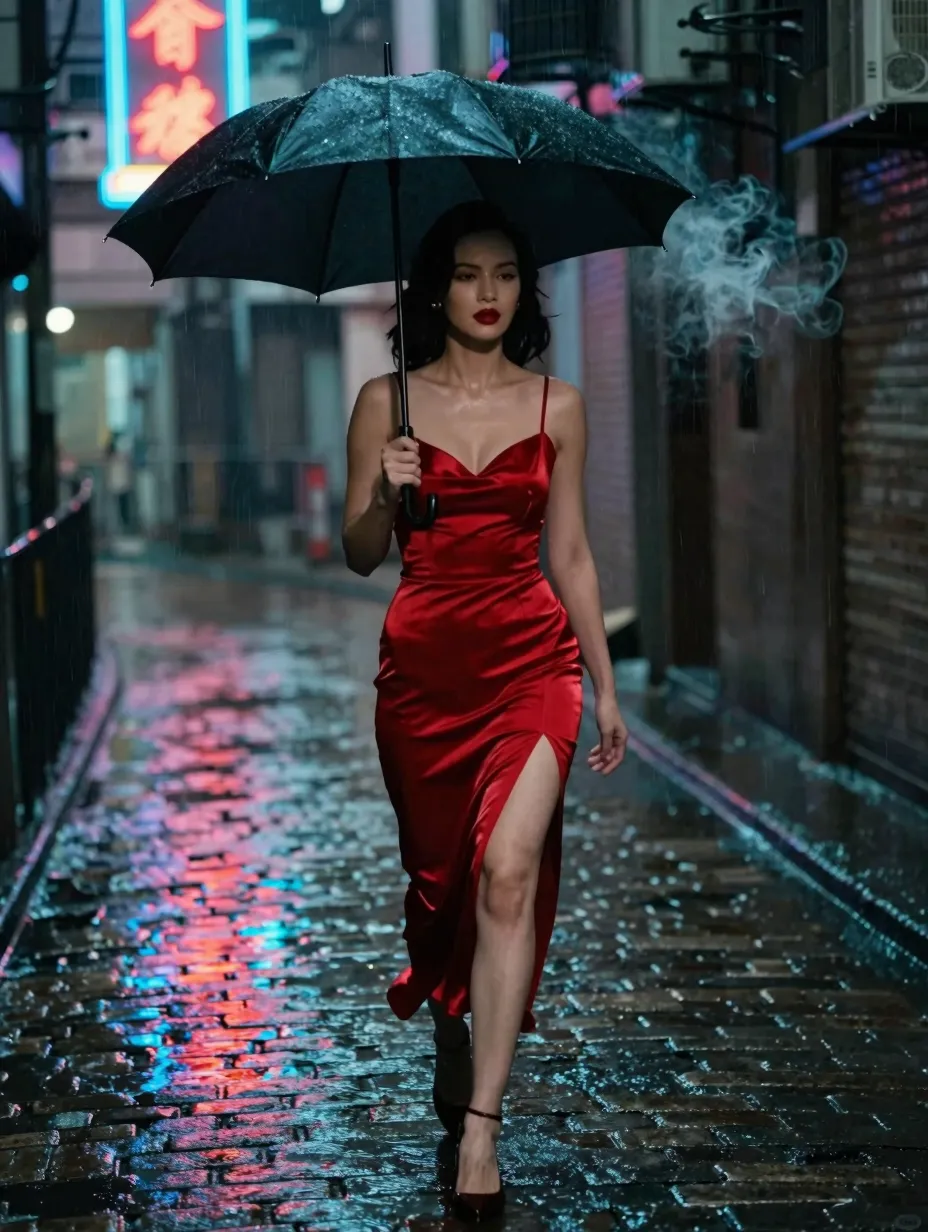
Cinematic prompts lean on lens language, contrast, and deliberate camera motion.
- Subject / action / style / camera / lighting / quality: rain-soaked alley, detective walks forward, slow-burn thriller, 40mm lens, low handheld follow, sodium vapor haze, sharp rain streaks, stable face, fine fabric detail.
- Subject / action / style / camera / lighting / quality: vintage train platform, steam rises, romantic period drama, wide establishing shot, slow crane rise, soft morning fog, natural skin tones, stable crowd silhouettes.
- Subject / action / style / camera / lighting / quality: astronaut in a damaged corridor, floating dust motes, hard sci-fi, 24mm wide close-up, slow push-in, cold LED panels with one warm practical, crisp metal edges, minimal jitter.
- Subject / action / style / camera / lighting / quality: desert convoy at golden hour, vehicles kick up dust, epic road movie, aerial wide shot, smooth drone-like glide, warm rim light, high dynamic range, stable horizon.
- Subject / action / style / camera / lighting / quality: jazz club stage, saxophonist performs, smoky noir color grade, medium shot over shoulder, subtle rack focus to hands, warm spotlight with deep shadows, clean instrument detail, smooth bokeh.
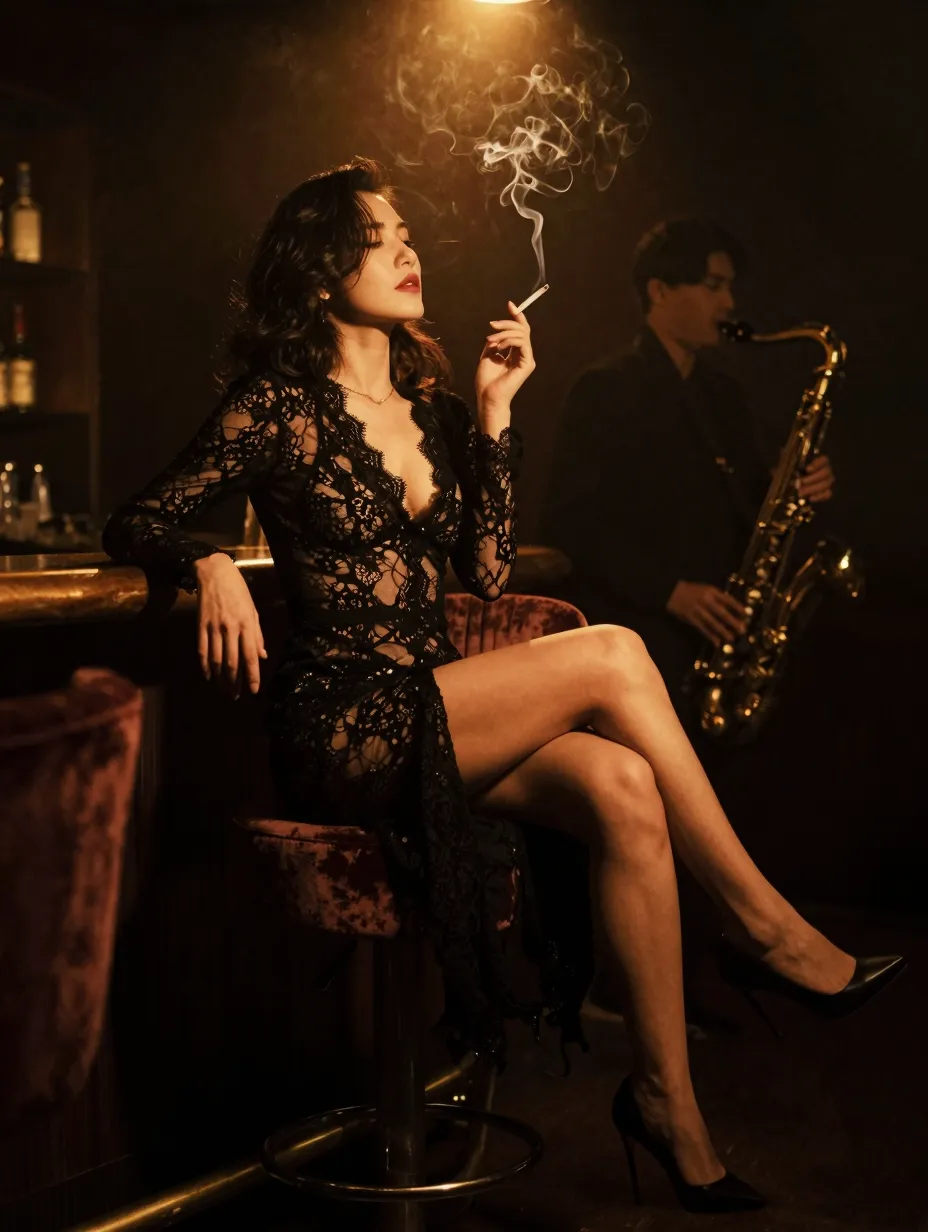
When you want “movie look,” you pair contrast control with purposeful camera moves.
Portrait (5 prompts)
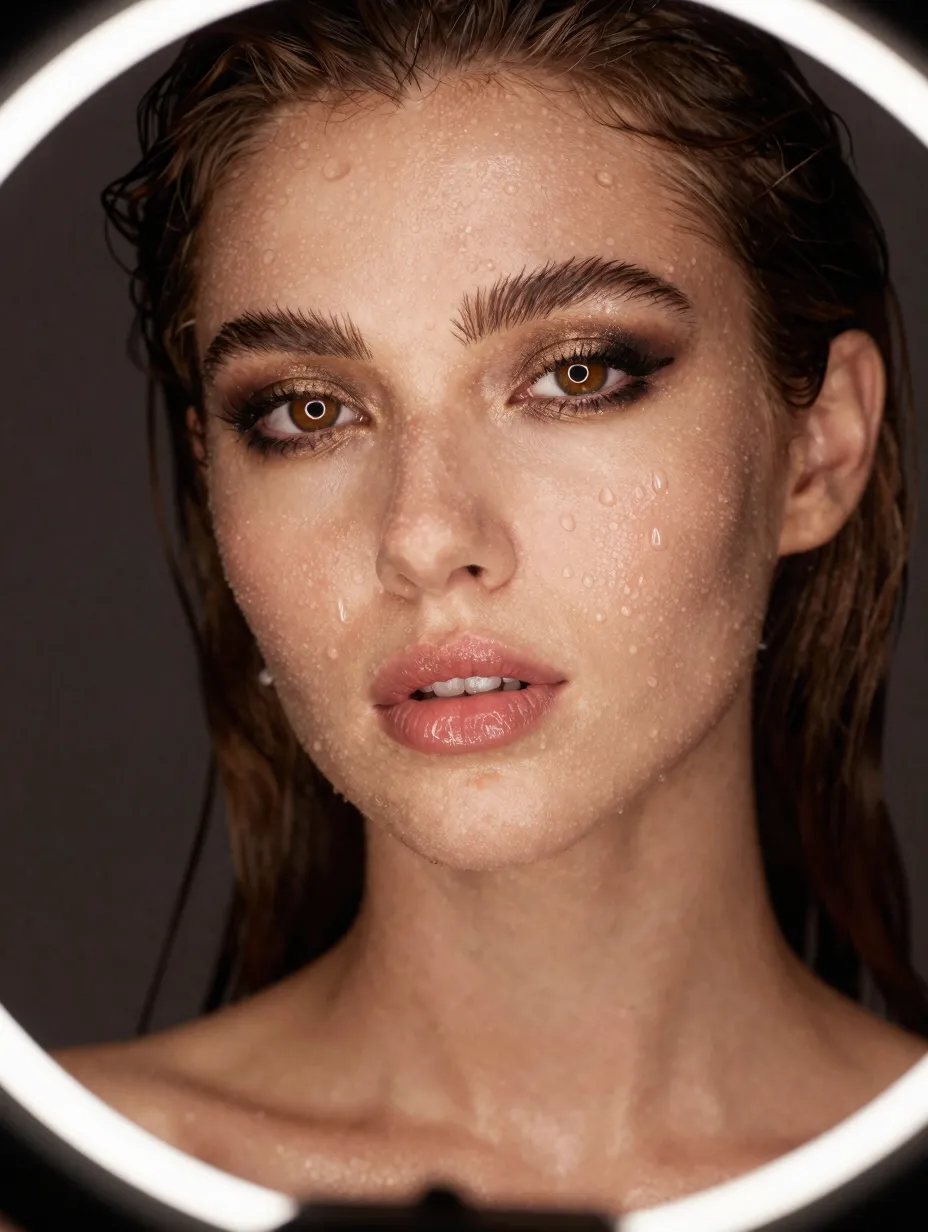
Portrait prompts emphasize faces, eyes, and shallow depth of field language.
- Subject / action / style / camera / lighting / quality: young artist in a sunlit studio, gentle smile, modern editorial, 85mm portrait lens, slow arc around subject, soft window light, natural skin texture, stable eyes.
- Subject / action / style / camera / lighting / quality: athlete breathing hard after a sprint, sweat glints, sports documentary, tight close-up, micro handheld, late daylight, crisp pores and fabric weave, no face warp.
- Subject / action / style / camera / lighting / quality: elder craftsperson carving wood, steady hands, heritage documentary, medium close-up, slow push-in, warm practical lamp, fine wood grain detail, stable tool edges.
- Subject / action / style / camera / lighting / quality: fashion model on a minimalist set, slow turn, high-end commercial, 100mm lens, smooth gimbal orbit, softbox key with crisp rim, clean fabric drape, stable earrings.
- Subject / action / style / camera / lighting / quality: musician singing indoors, subtle head movement, intimate performance, close-up 50mm, gentle swaying camera, warm tungsten spill, stable microphone mesh, natural lip sync motion only as background mood.
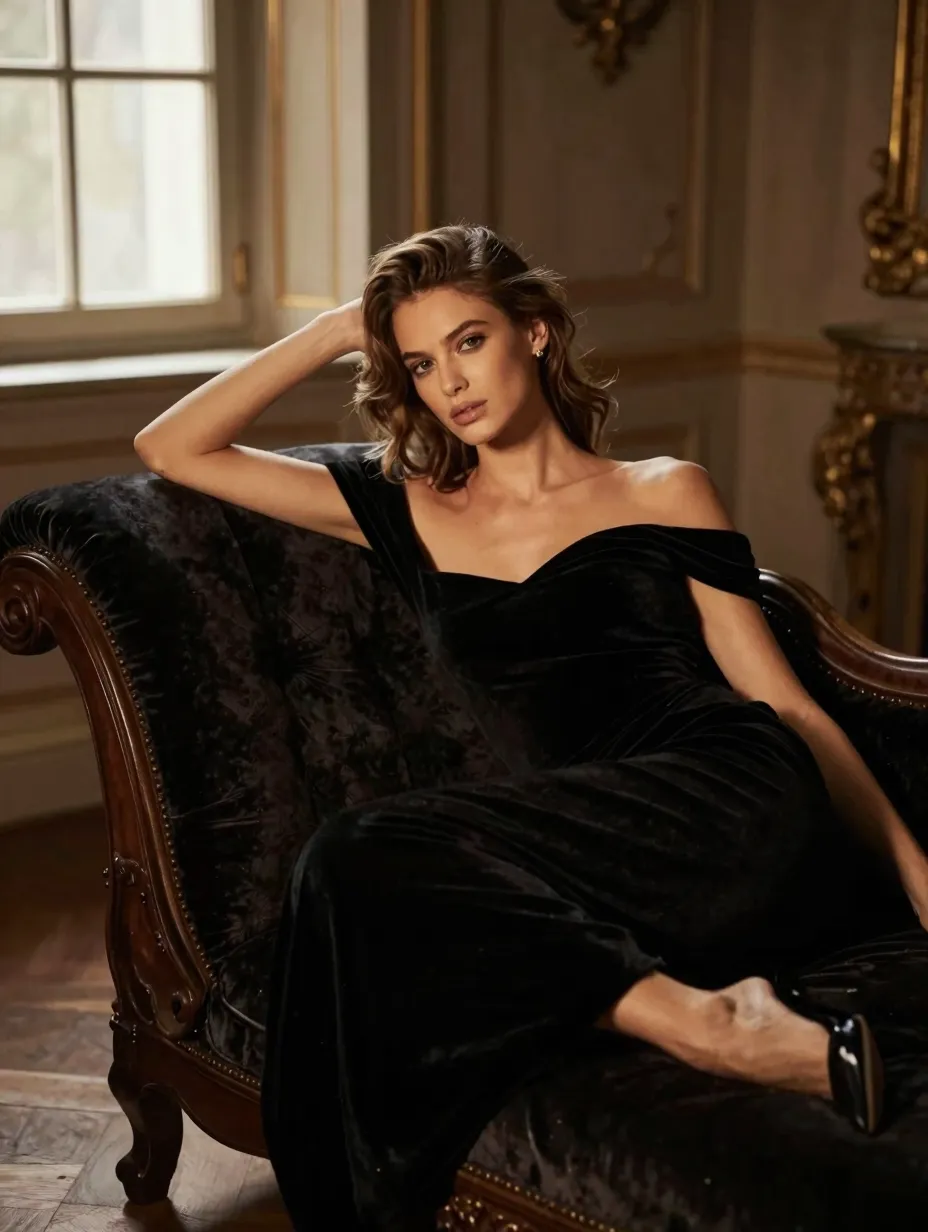
For portraits, you protect identity cues by asking for stable eyes and stable teeth.
Action (5 prompts)
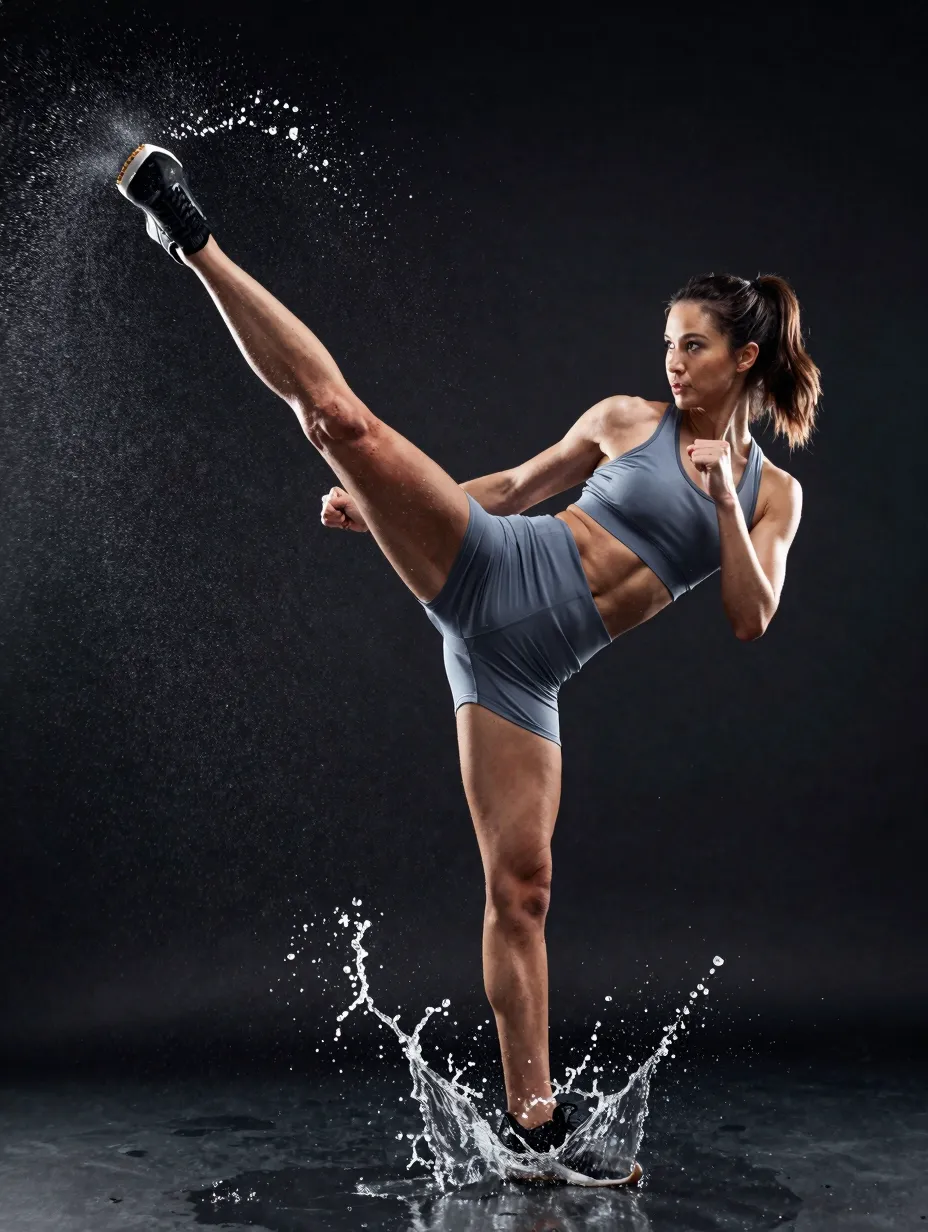
Action prompts need clear direction of motion and safe physics language.
- Subject / action / style / camera / lighting / quality: parkour runner clears a low wall, dynamic sports reel, 28mm wide, fast lateral tracking, bright overcast, motion blur on background, stable body silhouette.
- Subject / action / style / camera / lighting / quality: rally car slides through a forest corner, mud sprays, motorsport broadcast, telephoto compression, panning shot, dappled sunlight, crisp vehicle livery, stable wheels.
- Subject / action / style / camera / lighting / quality: boxer trains with a speed bag, rhythmic impacts, gritty gym documentary, medium close-up, handheld energy, hard overhead fluorescents, sharp gloves, stable bag motion.
- Subject / action / style / camera / lighting / quality: kayaker punches through whitewater, splashes explode, adventure travel, waterproof POV feel without claiming unsafe stunts, bright daylight, crisp water spray, stable horizon.
- Subject / action / style / camera / lighting / quality: dancer spins in a warehouse, dust in beams, contemporary performance, wide shot, slow orbit, dramatic side light, stable limbs, clean floor contact.
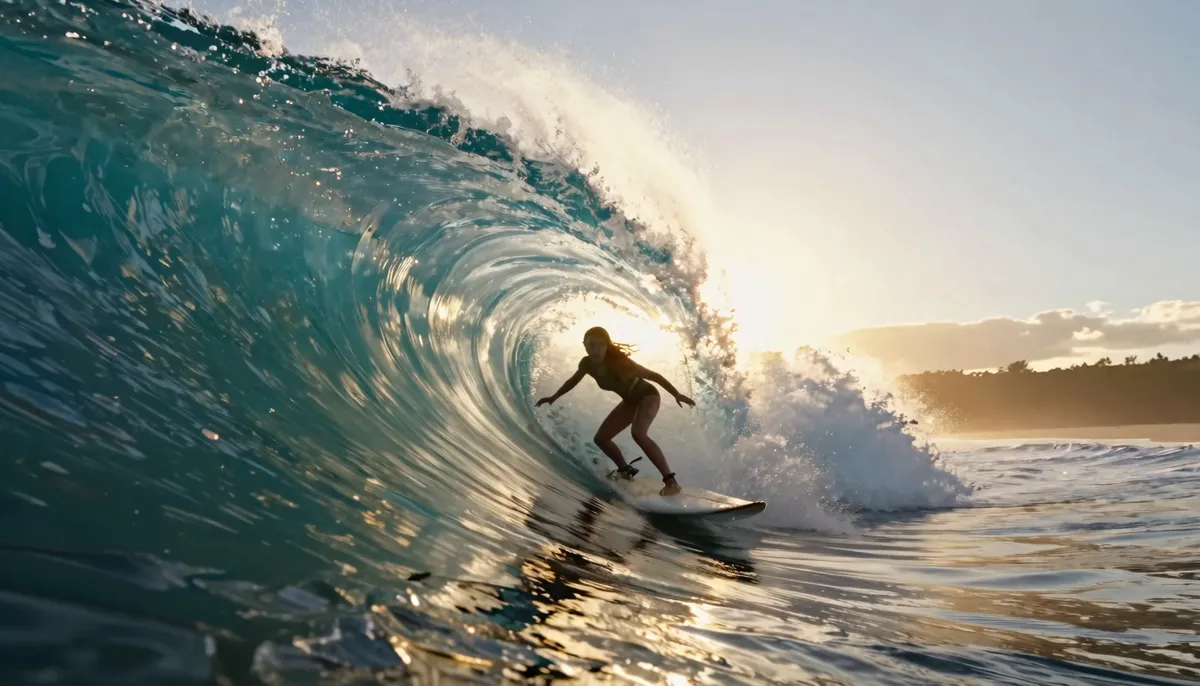
You describe speed with camera behavior, not with adjectives alone.
Nature (5 prompts)
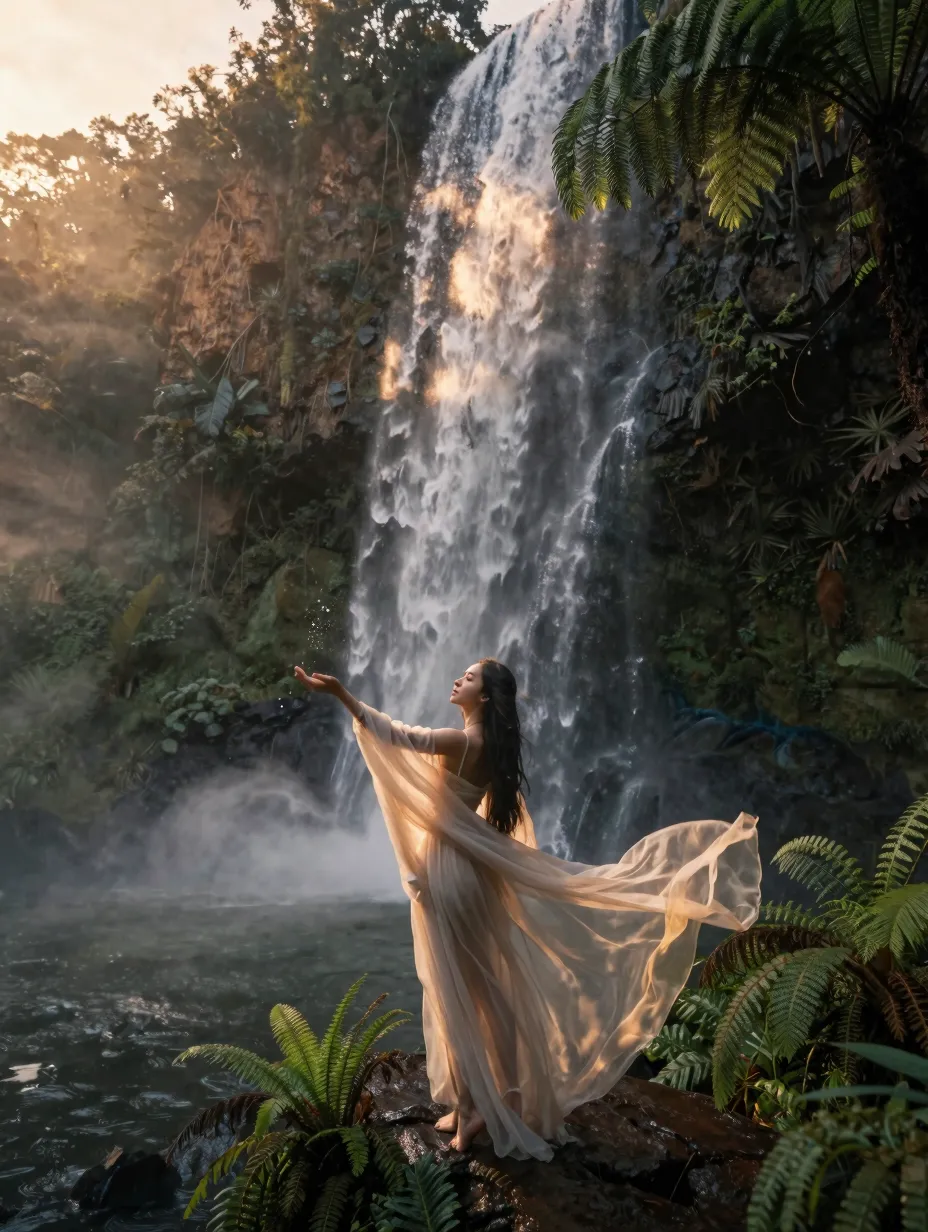
Nature prompts win when you pair weather, scale, and slow camera patience.
- Subject / action / style / camera / lighting / quality: alpine meadow, wind moves grass in waves, tranquil nature film, wide shot, slow pan, bright midday sun, rich greens, stable sky.
- Subject / action / style / camera / lighting / quality: waterfall mist, river roar implied, IMAX nature aesthetic, medium wide, slow crane down, soft overcast, crisp water texture, no plastic-looking rocks.
- Subject / action / style / camera / lighting / quality: northern forest, snowfall thickens, winter documentary, 50mm, slow push-in, cool daylight, natural snowflakes, stable branches.
- Subject / action / style / camera / lighting / quality: coral reef fish school, gentle currents, blue planet tone, underwater wide, slow drift, clear sun shafts, vibrant color, stable silhouettes.
- Subject / action / style / camera / lighting / quality: desert dunes at sunset, sand ripples shift, travel cinematic, aerial wide, smooth glide, warm gradient sky, stable shadows.
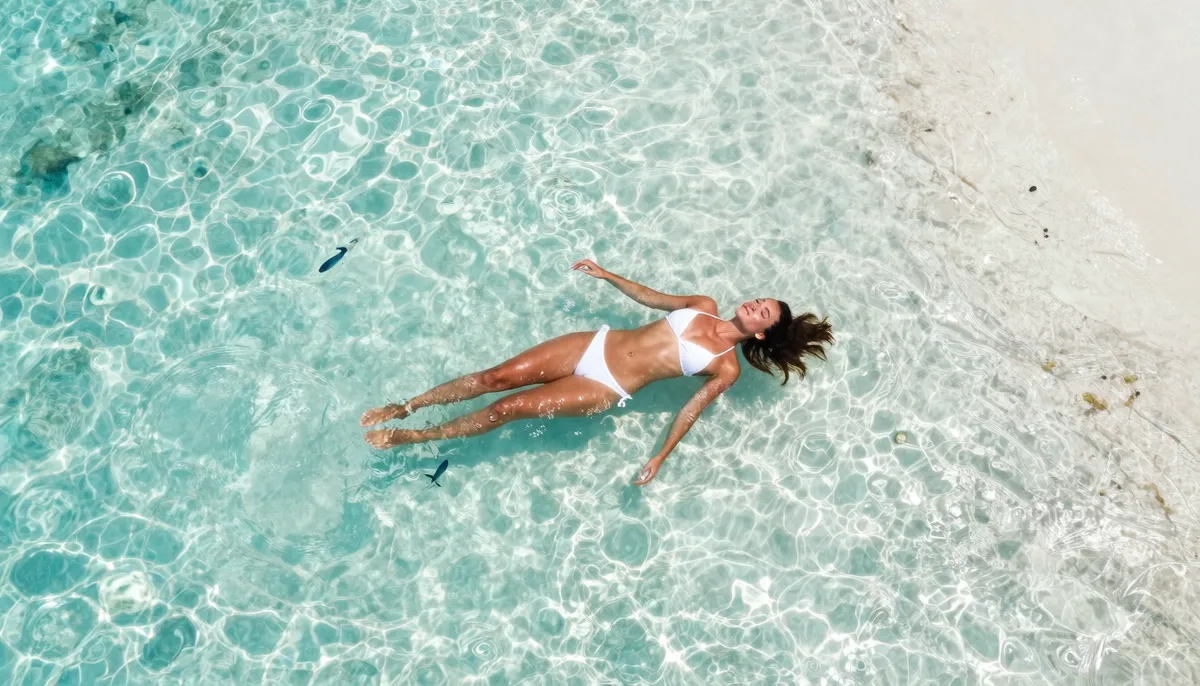
You avoid “everything everywhere” by choosing one weather story per clip.
Fantasy (5 prompts)
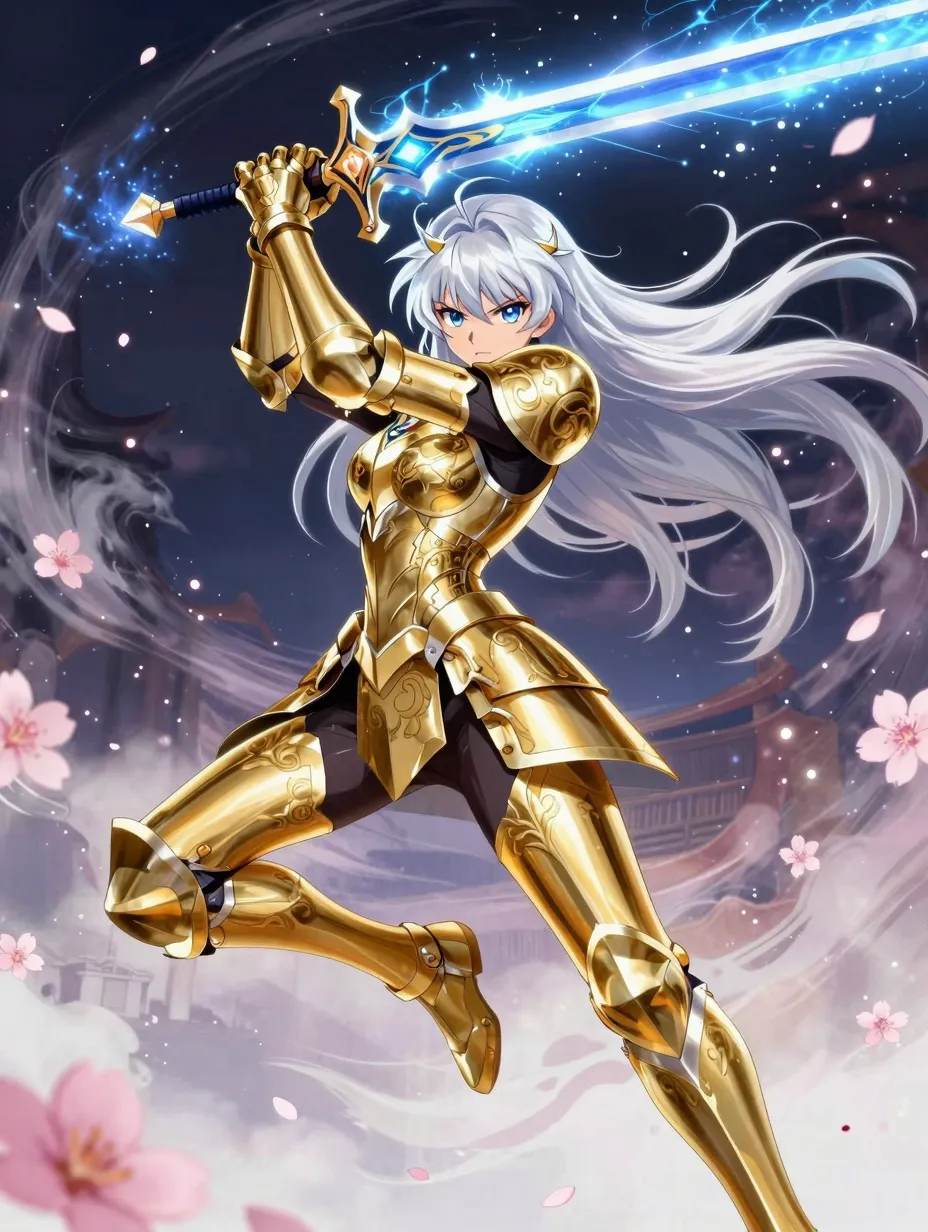
Fantasy prompts work best when magic rules stay consistent across the shot.
- Subject / action / style / camera / lighting / quality: robed mage opens a floating spell circle, soft particle swirl, high fantasy, 35mm, slow dolly in, moonlit rim with cool fill, crisp runes, stable hands.
- Subject / action / style / camera / lighting / quality: dragon shadow sweeps over a valley, epic scale, painterly fantasy film, ultra wide, slow aerial tilt, stormy backlight, dramatic clouds, stable silhouette.
- Subject / action / style / camera / lighting / quality: crystal forest, bioluminescent spores drift, whimsical fantasy, medium shot, gentle handheld, teal and magenta glow, clean specular highlights, stable foreground plants.
- Subject / action / style / camera / lighting / quality: ancient gate awakens with runes, stone dust falls, dark fantasy, close-medium, slow crane up, torchlight flicker, crisp stone detail, stable geometry.
- Subject / action / style / camera / lighting / quality: sky city bridges in clouds, airships pass slowly, steampunk fantasy, wide establishing, slow pan, golden hour through haze, stable architecture lines, minimal warping.
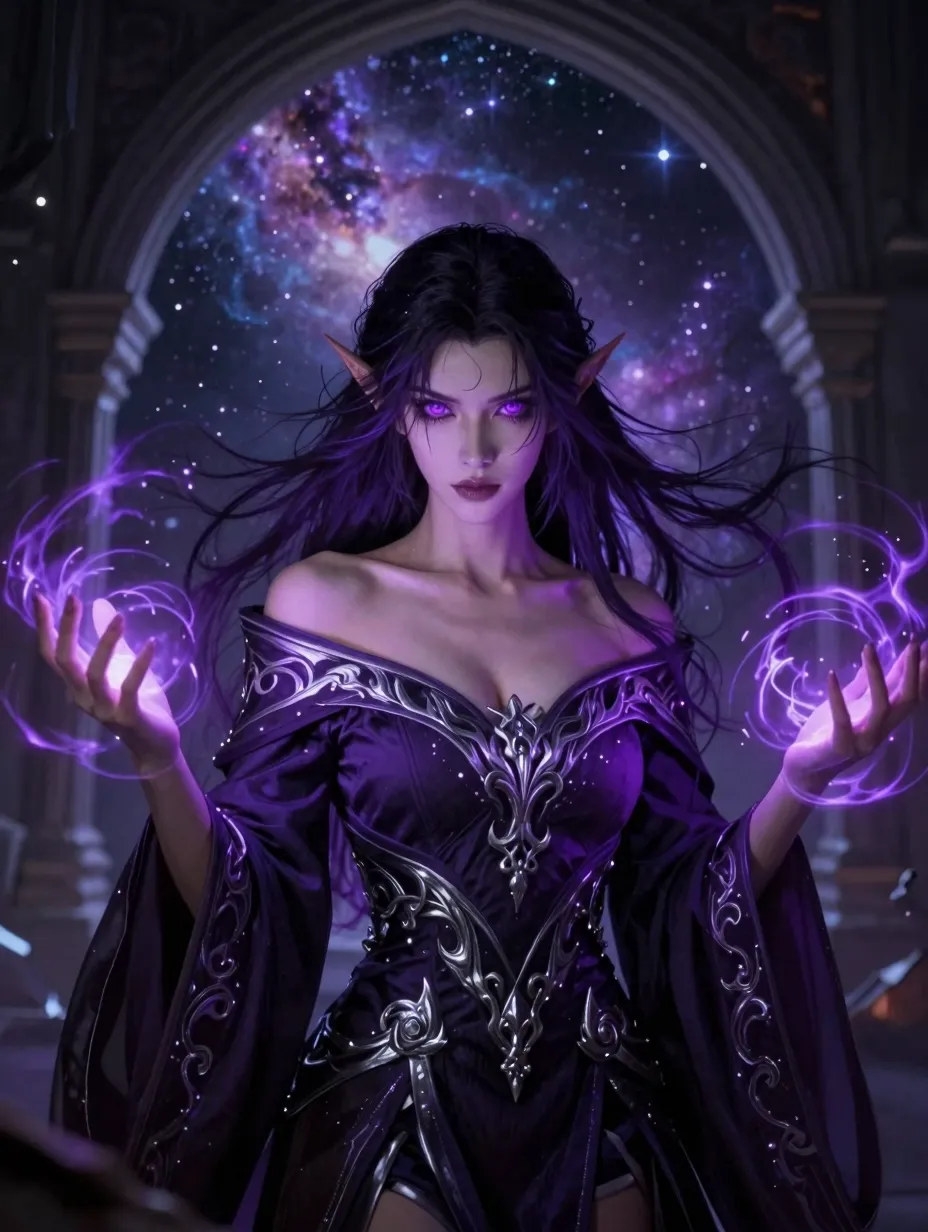
You anchor fantasy with materials and lighting so effects feel grounded.
Category recap table
| Category | Best use case | Camera words that help | Common pitfall |
|---|---|---|---|
| Cinematic | Story scenes, trailers | dolly, crane, rack focus | Too many plot twists |
| Portrait | Emotion, interviews | 85mm, shallow depth, slow arc | Overcrowded face details |
| Action | Sports, stunts, dance | pan, track, wide lens energy | Conflicting directions |
| Nature | Travel, calm, scale | drone glide, slow pan | Mixed seasons at once |
| Fantasy | Magic, myth, worldbuild | wide establish, slow push | Too many spells at once |
Bonus text-to-video prompts (10 more)
You can use these when you want extra variety. You still apply the six-part formula mentally.
- T2V: submarine corridor, red alarm strobes pulse, tense thriller, 28mm, handheld urgency, cold metal fill, stable rivets.
- T2V: fashion runway finale, model walks forward, glossy editorial, 50mm, slow tracking, bright stage arrays, stable fabric flow.
- T2V: kids fly kites on a windy hill, kites dip and rise, family film tone, wide shot, slow pan, bright cloudy sun, stable string lines.
- T2V: blacksmith strikes anvil, sparks burst, craft documentary, medium close-up, locked tripod, hot orange key, crisp sparks.
- T2V: librarian slides a ladder along shelves, dust in light beams, quiet study aesthetic, 40mm, slow dolly, warm practicals, stable books.
- T2V: surfer paddles into a wave, spray lifts, ocean sports, 35mm from water level, fast lateral track, sunny high contrast, stable board line.
- T2V: drone inspection of solar farm, rows stretch to horizon, clean tech doc, aerial wide, smooth glide, clear daylight, stable panels.
- T2V: puppet theater stage, marionette jumps lightly, whimsical stop-motion flavor, medium shot, gentle push-in, warm footlights, stable strings as artful.
- T2V: vintage taxi drives through neon city, reflections streak, urban noir romance, 40mm, car-mounted feel, wet road highlights, stable car body.
- T2V: mountain biker descends a ridge trail, dust puffs, adventure outdoor, wide shot, chase helicopter feel, late sun rim, stable rider silhouette.
Image-to-video prompt examples (15+)
Image-to-video behaves best when your prompt respects the photo. You describe motion that fits edges and depth. You avoid inventing new objects unless you want a bigger change.
You should upload a clean master frame when possible. You should avoid heavy compression blocks. You should match aspect ratio intent before you generate.
- I2V: subtle hair and cloth motion, soft breeze, natural daylight, 50mm portrait, slow micro camera sway, stable background, high detail.
- I2V: gentle waves move on water, reflections shimmer, golden hour, wide shot, slow pan left, stable horizon, crisp highlights.
- I2V: city traffic flows, headlights streak slightly, modern cinematic, 35mm, slow dolly, neon reflections on wet road, stable buildings.
- I2V: steam rises from coffee, cozy kitchen, warm documentary, close-up, slow push-in, soft window fill, stable mug geometry.
- I2V: leaves flutter in wind, forest path, calm nature, medium shot, slow handheld, dappled sunlight, stable bark texture.
- I2V: fabric banner flutters at a fair, colorful bokeh, 85mm, slow arc, late afternoon sun, stable lettering.
- I2V: smoke drifts across a stage, concert haze, wide shot, slow crane rise, beam lights sweep, stable crowd silhouette.
- I2V: paper pages turn in a draft, quiet study, 40mm, gentle top-down drift, warm desk lamp, stable text edges.
- I2V: clouds move quickly, time-lapse feel, ultra wide, locked tripod, dramatic sunset colors, stable landscape.
- I2V: candle flame dances, intimate mood, close-up, micro handheld, dark background falloff, stable wax pool.
- I2V: rain hits a window, indoor cozy scene, 50mm through glass, slow push-in, soft interior lights, stable droplets.
- I2V: aurora shimmers over mountains, night landscape, wide shot, slow pan, crisp stars, stable peaks.
- I2V: robot LED pulses softly, sci-fi lab, medium close-up, slow dolly, cool cyan fill, stable metal surfaces.
- I2V: basketball spins on a finger, gym setting, 35mm, slow orbit, hard overhead lights, stable ball seams.
- I2V: horse trots along a fence line, pastoral scene, wide shot, smooth tracking parallel, warm sunset rim, stable animal proportions.
You can combine I2V prompts with light camera words. You should not demand huge scene changes unless you accept bigger morph risk.
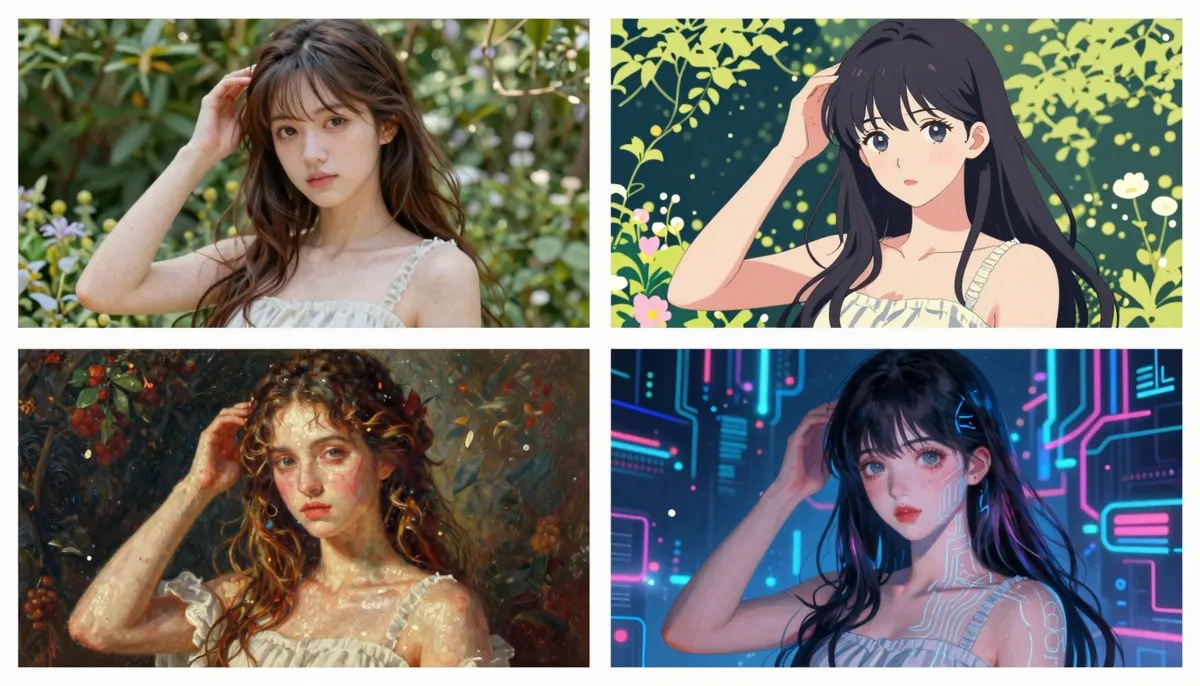
One base idea can split into four style directions when you keep subject and action fixed.
Advanced techniques
Advanced work is not about longer prompts. It is about predictable control. You treat the model like a collaborator who needs constraints. You give it cinematography nouns. You avoid abstract adjectives that do not map to pixels.
Lighting vocabulary you can reuse
| Lighting setup | Mood | Prompt phrases that tend to work |
|---|---|---|
| Soft window key | calm, honest, intimate | soft window light, gentle falloff |
| Hard single source | drama, noir, tension | hard key, deep shadows, single source |
| Neon mix | cyberpunk, nightlife | neon spill, magenta rim, wet reflections |
| Overcast sky | even, documentary, true | soft overcast, low contrast, natural skin |
| Golden hour sun | warmth, nostalgia, travel | golden hour rim, long shadows, warm haze |
| Blue hour | cold, sci-fi, lonely | blue hour ambient, cool fill, soft city glow |
You should pick one lighting story per clip when you begin. You can add a second source only after the base look feels stable.
Continuity cues for multi-clip projects
- Wardrobe lock: you repeat one clothing detail across clips in a series.
- Location anchor: you name a landmark prop or architectural line you reuse.
- Palette lock: you keep two primary colors and one accent.
- Lens family: you stay near one focal-length band for a scene group.
Camera movement keywords
You should build a small personal dictionary. You reuse what works on your subjects. You refine with one change per generation.
- Dolly in / out: straight-line move toward or away from subject.
- Truck left / right: lateral move parallel to subject.
- Pan / tilt: rotate camera left-right or up-down.
- Crane up / down: vertical boom motion with scale reveal energy.
- Handheld: human micro shake, good for intimacy and urgency.
- Gimbal: smooth stabilized orbit or follow.
- Rack focus: shift focus from foreground to background or reverse.
Style keywords
You can steer mood fast with a few anchors. You should keep your palette consistent.
- Film stock cues: fine grain, halation hints, print contrast.
- Era cues: 1970s earth tones, 1990s music video haze, modern HDR clarity.
- Animation cues: cel shading, stop-motion tactility, soft anime highlights.
Negative prompting (what to avoid)
You should remove failure modes with clear bans. You should not write fifty negatives. You should target the top issues you see.
- Examples: no extra limbs, no duplicated faces, no warped text, no melting objects.
- Examples: no flickering edges, no sudden outfit changes, no random jump cuts inside one clip.
Aspect ratio and composition
You choose ratio before you generate when your platform allows. You describe composition in language that matches the ratio.
- 16:9: wide establishing shots, horizon lines, cinematic landscapes.
- 9:16: vertical storytelling, portrait subjects, phone-native social cuts.
- 1:1: product-centered frames, balanced symmetry, bold graphic looks.
Prompt lab protocol (repeatable on HappyHorse AI)
You get faster when you treat prompts like experiments. You write a hypothesis. You change one variable. You record results. You avoid “random remix” sessions that burn credits without lessons.
| Phase | Your focus | Success signal |
|---|---|---|
| Baseline | Subject plus action only | Motion matches the verb |
| Lens pass | Shot size and camera move | Framing feels intentional |
| Light pass | Key direction and time of day | Shadows look coherent |
| Polish pass | Quality cues and negatives | Fewer artifacts on edges |
Checklist before you click generate
- You can state the clip’s job in one plain sentence.
- You named materials if realism is the goal.
- You avoided three conflicting moods at once.
- You chose HappyHorse-1.0 when you want a balanced default.
- You linked this test to a distribution channel and aspect ratio.
When to pause and use image-to-video instead
You should switch to I2V when you already have a strong still that locks layout. You should switch when brand geometry must stay stable. You should switch when faces or products need a reference anchor.
You can still add camera words in I2V. You should keep motion smaller when fidelity matters most. You can read the image-to-video mindset inside How to use HappyHorse: complete guide.
Model-specific tips for HappyHorse-1.0
You should treat HappyHorse-1.0 as your default when you want a balanced look across realism and stylized scenes. You should name materials when realism matters. You should name motion speed when action matters.
- You keep prompts specific but not novel-length.
- You avoid contradictory lighting, such as full noon and neon-only in the same line unless you intend mixed sources.
- You prefer one primary camera move unless you want experimental chaos.
- You iterate by changing one bracket at a time from the formula.
If you want more platform context, you can visit happyhorse-turbo.org and open the product pages from the homepage. You can return to this article when you refine a prompt library over weeks.
Common mistakes (and fixes)
- Too many actions at once.
- Fix: one primary verb, one secondary micro motion.
- Vague people descriptions.
- Fix: wardrobe era, hair length range, one prop, one emotion.
- Camera soup.
- Fix: pick dolly or crane, not both unless you know why.
- Lighting contradictions.
- Fix: name key light direction and ambient level.
- Text in frame.
- Fix: say “no readable text” unless you want stylized glyphs.
- Hyper-stacked quality words.
- Fix: three quality cues max, aligned with your genre.
- Genre clash.
- Fix: choose documentary or fantasy rules per clip.
- Ignoring reference images in I2V.
- Fix: describe motion that fits the photo’s depth cues.
Copyable templates (10)
You can paste these templates into HappyHorse AI. You replace text in ALL CAPS.
-
Template A — cinematic establishing
SUBJECT in LOCATION, ACTION, STYLE ERA, wide 24mm, slow crane up, TIME OF DAY LIGHT, sharp detail, stable horizon. -
Template B — intimate portrait
SUBJECT with WARDROBE DETAIL, EMOTION, editorial realism, 85mm, slow arc, SOFT LIGHT SOURCE, natural skin, stable eyes. -
Template C — action follow
SUBJECT performs ACTION, SPORT DOCUMENTARY STYLE, 28mm wide, fast lateral tracking, BRIGHT OR MOODY LIGHT, motion blur on background, stable subject silhouette. -
Template D — nature calm
LANDMARK ELEMENT, gentle natural motion, travel cinematic, wide shot, slow pan, WEATHER AND SUN POSITION, rich color, stable sky. -
Template E — fantasy spell
SUBJECT casts MAGIC EFFECT, consistent fantasy rules, 35mm, slow dolly in, NIGHT OR MOONLIGHT SCHEME, crisp effects, stable hands. -
Template F — product hero
PRODUCT on SURFACE, subtle motion, clean commercial, 100mm macro feel, slow push-in, softbox key, crisp materials, no warped logos. -
Template G — horror tension
SUBJECT in THREATENING SPACE, slow cautious motion, horror cinematic, 40mm, handheld creep, single harsh practical, deep shadows, stable geometry. -
Template H — sci-fi lab
SCIENTIST with DEVICE, calm precise motion, hard sci-fi, medium close-up, slow gimbal orbit, cool LED key, crisp metal, stable UI glow only as background. -
Template I — food warmth
FOOD ITEM with STEAM OR DRIP, cozy tone, 60mm, slow top-down drift, warm practicals, appetizing color, stable plate edges. -
Template J — I2V micro motion
Respect uploaded image composition, add MICRO MOTION ONLY, lens STYLE, CAMERA MOVE, LIGHT CONSISTENCY, stable textures, no new objects.
Responsible creation (brief)
You should avoid prompts that harass, demean, or target real people without consent. You should follow local laws and platform rules on HappyHorse AI. You should treat synthetic media as a creative tool, not a substitute for consent in intimate contexts.
- You verify rights to reference images for I2V.
- You label synthetic footage when your client or region requires disclosure.
- You refuse to optimize prompts meant to deceive viewers about real events.
Industry modifier banks (copy and trim)
You move faster when you keep modifier banks next to your desk. You paste one or two lines. You delete the rest.
The table below is not a prompt by itself. It is a spice rack you combine with the six-part formula.
| Vertical | Authenticity cues you can add | Camera bias that usually helps | One quality line that pays off |
|---|---|---|---|
| Consumer electronics | brushed aluminum, matte glass, micro-scratches | 85–100mm product hero | crisp edges, stable reflections |
| Food and beverage | steam, condensation, crumb texture | 60mm top-down or 45° | appetizing color, no plastic sheen |
| Fashion | fabric drape, stitch detail, slow turn | 85mm orbit | stable jewelry, clean silhouette |
| Healthcare education | calm pacing, soft light, clear gestures | 50mm interview lock | natural skin, no diagnostic claims |
| Real estate vibe | wide geometry, practical lights | 24mm wide, slow dolly | straight verticals, stable lines |
You should never paste a full row without editing. You should match the row to your subject first.
Micro-list: words that often help HappyHorse-1.0
- Surface words: brushed steel, matte paint, wet asphalt, linen texture.
- Weather words: heat haze, light fog, clean rain, dry dust.
- Time words: blue hour, golden hour, overcast noon, neon midnight.
- Motion words: slow drift, micro sway, steady walk, gentle orbit.
Micro-list: words that often hurt clarity
- Stacked hype: epic, ultimate, insane, perfect forever.
- Plot overload: then he realizes, meanwhile the villain, twist ending.
- Camera chaos: whip pan plus crane plus zoom plus orbit in one breath.
You fix hype by swapping in one material noun. You fix plot overload by splitting beats across clips. You fix camera chaos by picking one move.
Handoff sheet you can send to a teammate
You paste this into a shared doc when two people share one HappyHorse AI project.
- Clip goal: one sentence on what the viewer should feel.
- Subject lock: five words max on who or what is on screen.
- Action lock: one primary verb.
- Style lock: one era or medium label.
- Camera lock: shot size plus one move.
- Lighting lock: time of day plus key direction.
- Quality lock: two stability cues.
- Negatives: three bans you saw in tests.
- Model note: HappyHorse-1.0 with ratio and duration.
You reduce Slack churn when everyone names the same layers. You reduce blame when failures map to a single layer.
FAQ
1) What is the fastest way to improve my HappyHorse AI prompts?
You should use the six-part formula and change one part at a time. You should keep actions singular. You should compare clips like a scientist, not like a critic alone.
2) How many words should a prompt be?
You should aim for clear density, not word count. Many strong prompts fit in eight to fourteen short phrases. You should expand only when you need specific materials or lighting.
3) Does HappyHorse-1.0 follow camera language?
You should assume it understands common film terms when you use them consistently. You should pair shot size with movement words. You should avoid rare jargon unless you test it.
4) How do I reduce morphing faces and hands?
You should ask for stable eyes and natural proportions. You should avoid extreme close-ups early. You should simplify hand tasks unless you need them.
5) Can I request text on screen?
You should expect mixed results with readable text. You should say no readable text when you want fewer glitches. You should design titles outside the generator when precision matters.
6) What is the difference between T2V and I2V prompts?
Text-to-video builds from language alone. Image-to-video should respect your uploaded frame. You should describe smaller motion for I2V when you want fidelity.
7) How do I build a reusable library?
You should save prompts with tags for genre, lens, and lighting. You should note which settings you used on HappyHorse AI. You should reuse winners and retire noisy variants.
8) Where should I go next for workflows and tools?
You should read AI video prompt generator guide. You should keep How to use HappyHorse: complete guide open while you batch tests.
Conclusion and next step
You now have a full system for writing prompts that behave on HappyHorse AI. You can generate faster because you debug with intent. You can return to the formulas whenever you start a new series.
Your next step: open happyhorse-turbo.org, start a new project, and run three tests that differ in only one formula bracket. You should save the winning prompt in your library.
If you want the shortest on-ramp, start at the HappyHorse home page and pick the workflow that matches your task.
You can also open What is HappyHorse AI Video Generator when you need product context before you write. You can keep How to use HappyHorse: complete guide beside this tab during a batch session. You can jump to AI video prompt generator guide when you want drafting help before you paste into HappyHorse-1.0.