
TL;DR
An AI video prompt generator turns your plain idea into structured language that models read well. On HappyHorse AI, you pair the generator with HappyHorse-1.0 for balanced motion and clarity. You should still learn camera words because tools work best when you steer the final line.
You will read what these tools do, how the HappyHorse Prompt Generator fits your workflow, and how to judge quality without hype. You will also get thirteen templates and a camera cheat sheet you can reuse today.
If you want deeper examples, open HappyHorse prompt guide: 50+ examples. If you want setup steps, follow How to use HappyHorse: complete guide. For model concepts, read Text-to-video AI: complete guide.
This guide explains how prompt generators reduce blank-page friction for AI video workflows.
What is an AI video prompt generator?
An AI video prompt generator is software that proposes or rewrites prompts for video models. It is not the same as the video model itself. It is a language layer that sits above generation.
You type a short idea. The tool returns a richer prompt with subject, motion, style, camera, lighting, and quality cues. Some tools use classical templates. Some use large language models. Some blend both.
You should expect variation across vendors. You should not expect perfect outputs without review. You remain the director.
Who benefits most from a video prompt generator?
Marketing teams need fast variants for hooks. Solo creators need vocabulary scaffolding without film school. Educators need repeatable language students can copy safely.
| Role | Primary win | What to watch |
|---|---|---|
| Performance marketer | Faster A/B hooks | Brand safety review |
| Indie filmmaker | Storyboard-grade phrasing | Continuity across clips |
| E-commerce lead | Product-first prompts | Material and logo accuracy |
| Agency writer | Client-ready structure | Rights and likeness rules |
| Student creator | Skill transfer to camera terms | Disclosure and policy habits |
When a generator is the wrong first step
You should draft by hand when legal wording is fixed line by line. You should draft by hand when you already own a proven prompt library. You should draft by hand when the shot is scientifically precise and props must not drift.
How the language layer pairs with HappyHorse-1.0
The generator shapes text. HappyHorse-1.0 turns text plus settings into frames. You should never confuse the two layers when you debug a bad clip.
- Text issues: vague nouns, conflicting light, or too many verbs in one line.
- Settings issues: duration, resolution, or ratio mismatched to the channel.
- Model limits: readable text, finger choreography, or extreme micro-detail without reference.
You keep a two-column note when you test. The left column holds prompt text. The right column holds settings. You change only one side per run when you can.
What problems does it solve?
- Blank page fear: you start from one sentence instead of zero.
- Inconsistent vocabulary: you adopt camera terms faster.
- Team alignment: you share templates across writers and editors.
- Iteration speed: you compare two structured variants side by side.
What problems does it not solve?
- It does not guarantee rights for actors, logos, or locations.
- It does not replace storyboards for complex narratives.
- It does not remove your duty to disclose synthetic media when required.
Three common architectures you will see in the market
Template engines fill slots in a fixed pattern. They are fast and predictable. They feel repetitive if you never edit.
Large language model assistants rewrite your idea in richer language. They are flexible. They can drift if you do not anchor genre.
Hybrid systems combine slots with rewriting. They balance speed and variety. HappyHorse AI leans hybrid in practice because creators want both structure and creative lift.
What “good output” looks like
Good output names materials and motion. It avoids five ways to say “beautiful.” It gives the video model anchors it can render.
You should delete hype adjectives that do not change the image. You should keep words that change composition.
Signals you are using the tool well
- Your prompts get shorter over time, not longer.
- You reuse ten favorite camera phrases.
- You notice failure modes and add one targeted negative.
- You keep a changelog when HappyHorse-1.0 updates.
Structured prompts usually beat vague paragraphs because models latch onto concrete nouns and motions.
Quick comparison list: manual vs assisted drafting
| Step | Manual drafting | AI-assisted drafting |
|---|---|---|
| First draft speed | slower | faster |
| Terminology | uneven without a glossary | more consistent |
| Risk of drift | lower if you are careful | higher if you accept blindly |
| Learning value | high | medium unless you edit actively |
How the HappyHorse Prompt Generator works
HappyHorse AI offers a HappyHorse Prompt Generator path inside the web product on happyhorse-turbo.org. You open Video prompt generator when you want help before you generate.
You typically move through four mental stages even if the UI groups them differently.
- Intent: you choose text-to-video or image-to-video.
- Idea capture: you enter a short plain sentence.
- Structure: you add style, camera, lighting, and quality constraints.
- Export: you copy the prompt into the HappyHorse-1.0 generation flow.
You should treat the generator as a drafting partner. You should edit every line for your real set, talent, and brand rules.
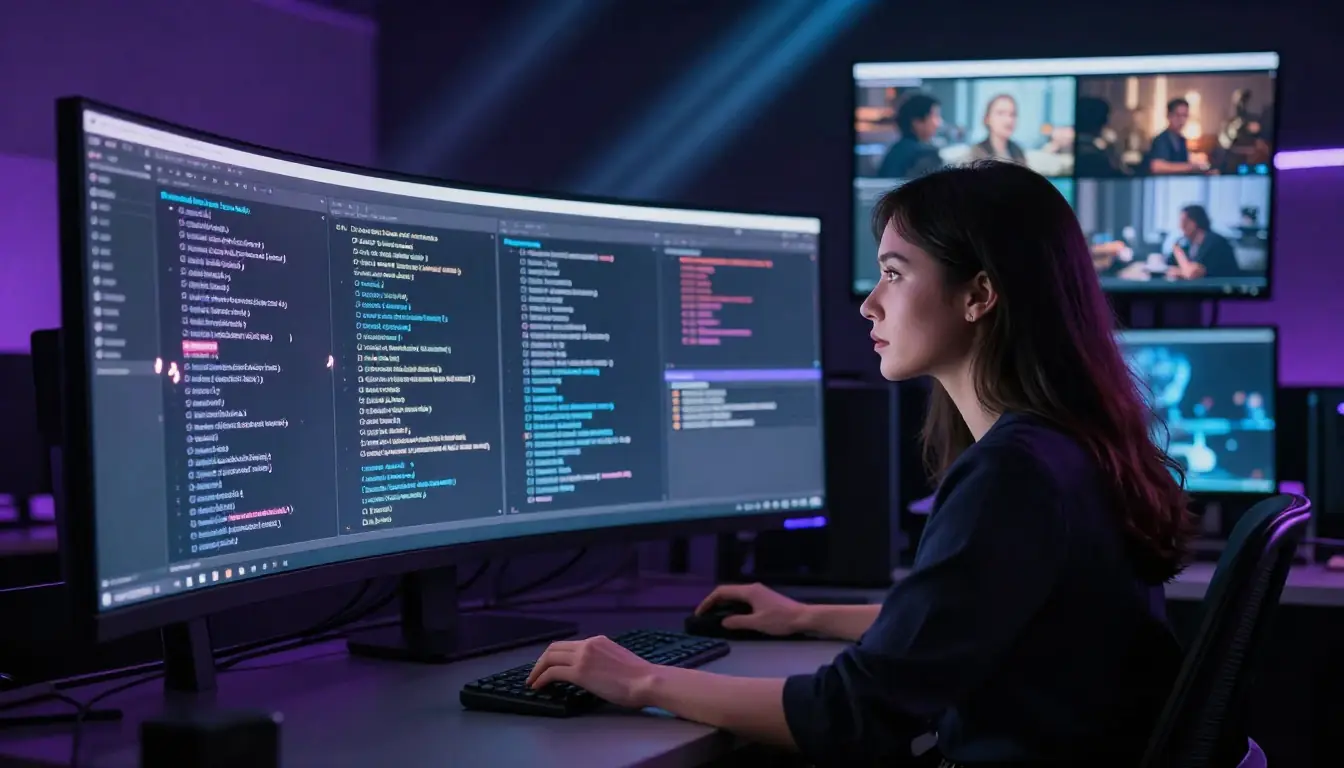
Use the interface to keep prompts organized while you iterate on a single creative goal.
Inputs that improve outputs
- One main subject you can name in five words or fewer.
- One primary motion you could film in a few seconds.
- One style anchor such as noir, anime-influenced, or documentary.
- One lighting story such as soft window, neon night, or overcast field.
Outputs you should edit before generating
- Remove duplicate ideas that appear in different words.
- Remove contradictory lighting or impossible physics.
- Shorten lists that exceed one breath when you read aloud.
A day-one workflow you can copy
- Morning: you write three one-line ideas for one campaign.
- Midday: you generate prompts for each idea with two style variants.
- Afternoon: you run short tests on HappyHorse AI with HappyHorse-1.0.
- Evening: you keep one winner per idea and archive the rest with notes.
You should not chase ten winners in one day. You should chase one solid repeatable look you can scale.
Roles on a small team
- Creative lead owns the subject and action wording.
- Editor trims contradictions and checks pacing language.
- Producer tracks rights and disclosure rules.
- Intern logs prompts and outcomes in a shared sheet.
Even if you are solo, you can rotate those hats on purpose. It reduces blind spots.
Your job is to elevate a simple idea into professional language without losing clarity.
Anatomy of a professional video prompt
Professional prompts read like shot notes a crew could follow. They avoid poetry unless poetry matches the genre. They avoid mystery unless mystery is the genre.
You can memorize six layers. They mirror the longer guide on HappyHorse prompt examples.
- Subject: who or what we watch.
- Action: what moves, and how fast.
- Style: era, medium, art direction.
- Camera: shot size, lens feel, movement.
- Lighting: direction, quality, atmosphere.
- Quality: sharpness, stability, material fidelity.
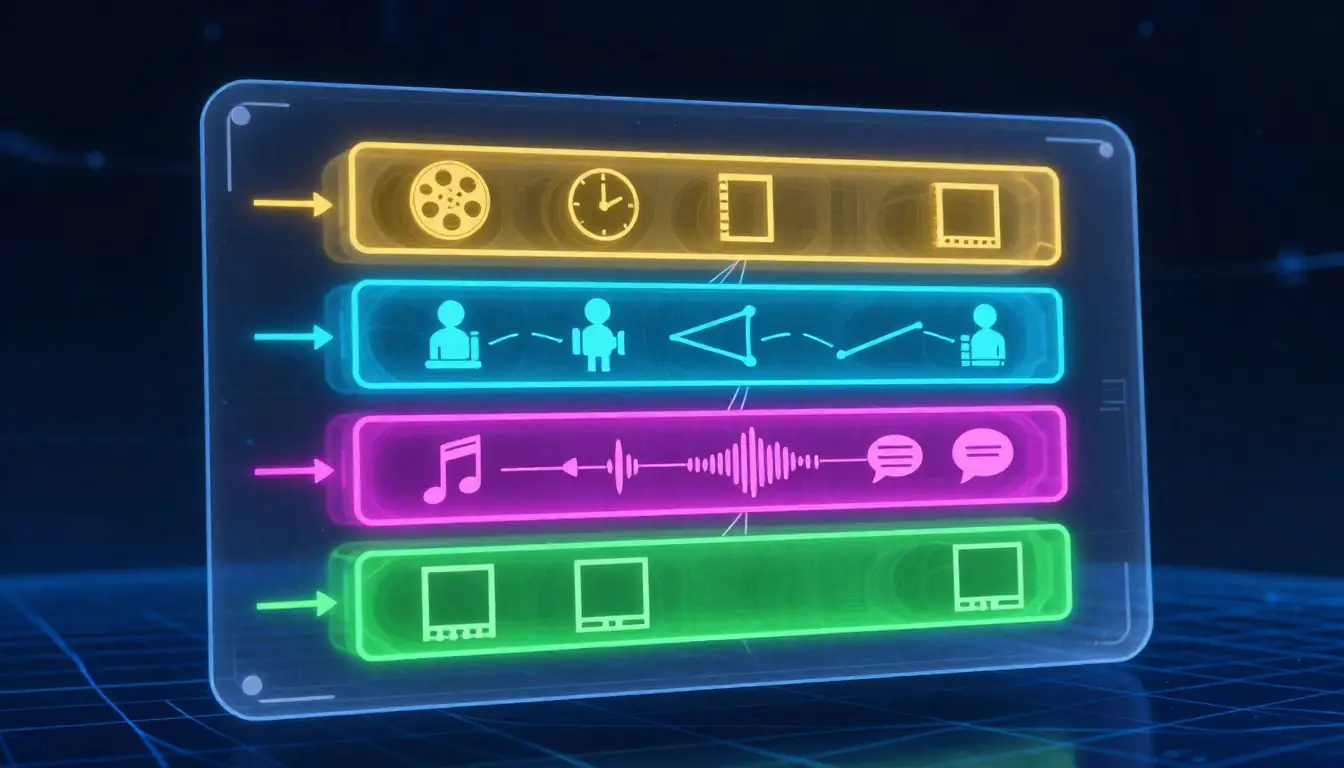
When one layer goes missing, the model often fills the gap with random choices.
Example: weak vs strong
- Weak: “cool cyber city at night, cinematic.”
- Strong: “motorcycle courier stops under a teal neon sign, rain on visor, neo-noir thriller, 35mm, slow dolly in, wet asphalt reflections, stable helmet edges, crisp neon bloom.”
You can feel the difference without any special jargon beyond common film words.
Second example: portrait social ad
- Weak: “happy woman drinks coffee, cozy.”
- Strong: “woman in cream knit sweater lifts mug, soft smile, cozy home commercial, 85mm portrait, slow arc, warm window key, natural skin texture, stable mug logo as abstract blur.”
You adapt quality cues to your brand. You avoid promising readable logos unless you accept risk.
Semantic density: what to keep and cut
Keep nouns that set wardrobe, era, and location. Keep verbs that show motion a viewer can track. Keep one lighting phrase that sets mood.
Cut stacked synonyms like “beautiful stunning gorgeous.” Cut vague stakes like “epic forever moment” unless you translate them into camera behavior. Cut requests for twelve actions in one line.
Channel-specific guardrails
- YouTube pre-roll: you favor clear focal subject in first second. You add readable motion even on small screens.
- TikTok-style vertical: you favor close or medium framing. You avoid tiny subjects in vast negative space unless that is the joke.
- Cinema teaser: you favor contrast and deliberate camera moves. You avoid busy clutter unless genre demands it.
Thirteen templates by category
Templates are training wheels. You remove them when muscle memory appears. Until then, they save hours.
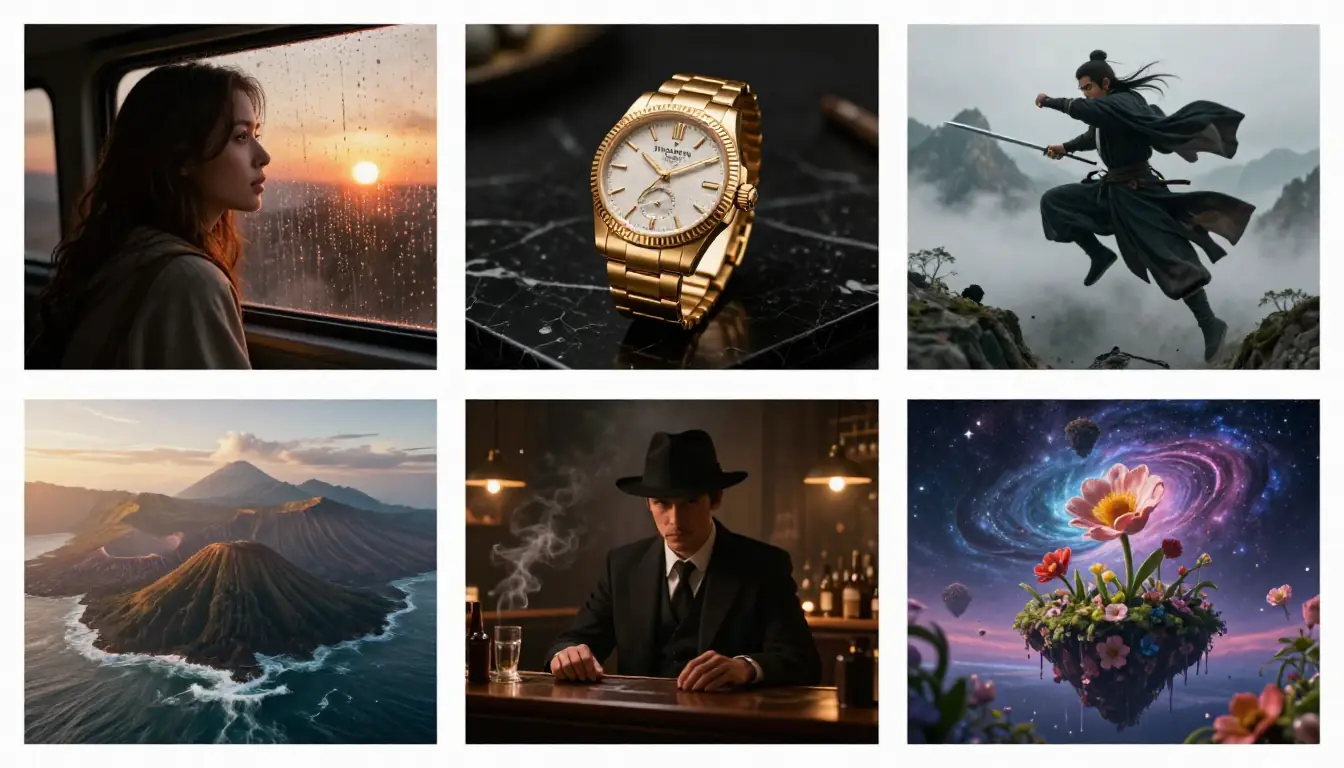
Rotate templates by campaign type so your team speaks one prompt dialect.
- Product hero (commercial): product on surface, subtle motion, clean studio, 100mm macro feel, slow push-in, softbox key, crisp materials.
- Founder message (talking head): founder speaks to camera, calm authority, modern interview, 50mm, locked tripod, soft key and gentle fill, stable eyes.
- App demo (UI B-roll): hand scrolls phone, smooth parallax UI vibe, tech commercial, medium close-up, slow pan, cool screen glow on skin, stable fingers.
- Travel postcard (wide): landmark vista, slow environmental motion, travel cinematic, wide drone-like glide, golden hour, stable horizon.
- Fitness hype (action): athlete sprints on track, dynamic energy, sports brand, 28mm, fast lateral tracking, bright sun, motion blur on background.
- Food appetite (macro): sauce pours over dish, steam rises, food commercial, 60mm, slow top-down drift, warm practicals, stable plate.
- Fashion loop (studio): model turns, fabric flows, editorial glam, 85mm, smooth gimbal orbit, crisp rim light, stable jewelry.
- Education explainer (calm): instructor writes on glass board, clear gestures, classroom doc style, 35mm, slow truck, even soft light, stable lines.
- Kids brand (play): children build a fort, authentic laughter, family commercial, wide shot, slow handheld, soft daylight, stable faces.
- Nightlife promo (neon): friends toast glasses, bokeh city behind, nightlife ad, 40mm, slow push, neon spill, stable glass edges.
- Nature conservation (doc): ranger walks through forest trail, respectful pace, nature documentary, wide shot, slow pan, overcast softness, stable foliage.
- Sci-fi teaser (lab): scientist activates device, soft LED glow, hard sci-fi, medium close-up, slow dolly, cool cyan key, stable metal.
- Fantasy book trailer (magic): robed figure channels light particles, high fantasy, 35mm, slow crane up, moonlit fog, stable hands.
You should paste any template into HappyHorse AI. You should replace nouns and verbs for your brand. You should keep one primary motion.
Template map by business goal
| Template # | Primary goal | Typical runtime feel | Audio pairing later |
|---|---|---|---|
| 1 | sell a product | 6–12 seconds | light pulse |
| 2 | build trust | 15–30 seconds | soft bed |
| 3 | show software | 8–15 seconds | UI clicks foley |
| 4 | inspire travel | 10–20 seconds | airy pads |
| 5 | energy brand | 6–10 seconds | heavy beat |
| 6 | appetite trigger | 5–8 seconds | sizzle foley |
| 7 | premium fashion | 8–12 seconds | fashion house tone |
| 8 | teach a concept | 20–40 seconds | clean narration |
| 9 | family warmth | 10–20 seconds | acoustic music |
| 10 | nightlife vibe | 8–12 seconds | club rhythm |
| 11 | conservation tone | 15–30 seconds | nature ambience |
| 12 | tech credibility | 10–20 seconds | subtle pulses |
| 13 | fantasy story hook | 8–15 seconds | orchestral swell |
Audio notes are for post. They still shape how tight your prompt should feel on screen.
Camera language cheat sheet
Camera language tells the model how the virtual camera behaves. You should use words real crews understand.
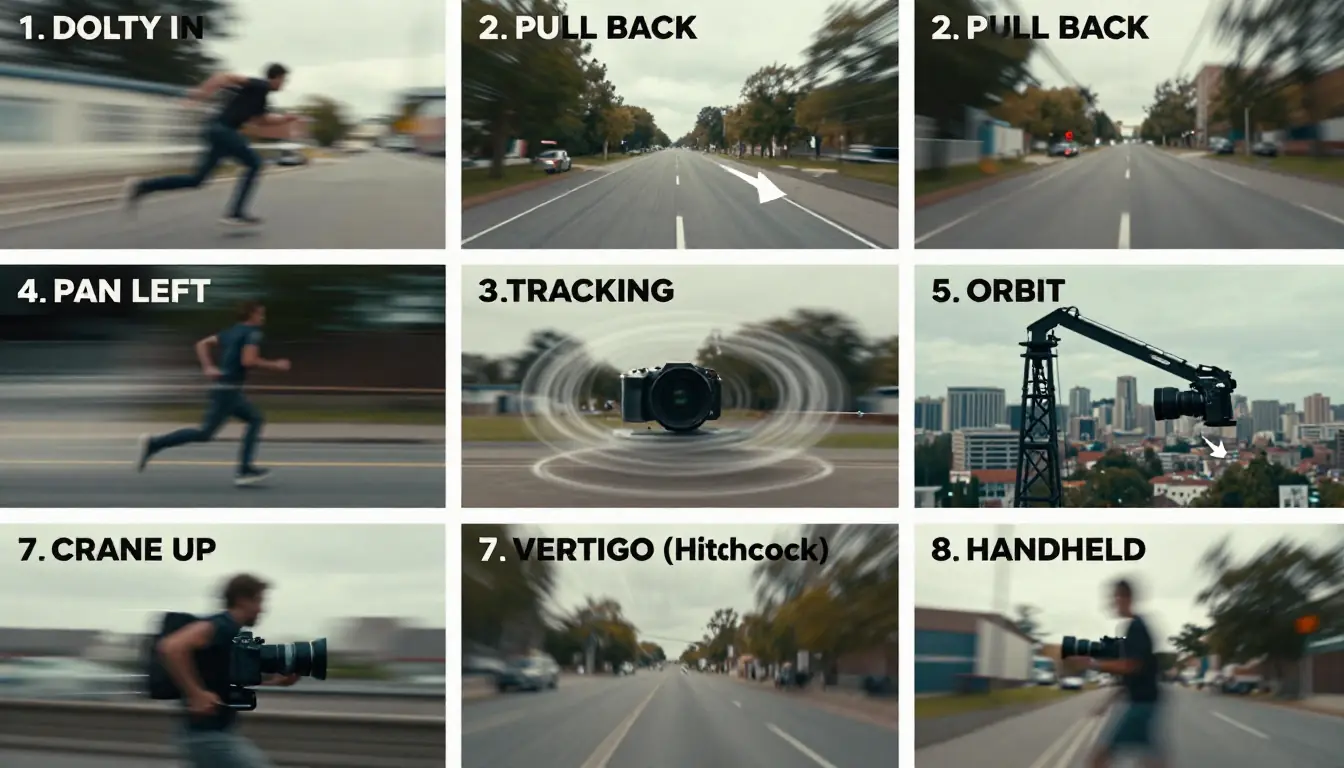
Pair shot size with movement words so the model can plan motion paths.
Movement verbs
- Dolly in/out: move straight toward or away.
- Truck left/right: move parallel to subject.
- Pan/tilt: rotate on a tripod axis.
- Crane up/down: vertical boom for reveals.
- Handheld: micro shake for urgency.
- Gimbal: smooth orbit or follow.
- Whip pan: fast transition energy, use sparingly.
Shot sizes
- Extreme wide: geography and scale.
- Wide: body and environment.
- Medium: gesture and interaction.
- Close-up: emotion and detail.
Lens hints
- 18–28mm: expansive, slight distortion, action energy.
- 35–50mm: natural perspective for storytelling.
- 85–105mm: flattering portraits, shallow depth emphasis.
Five one-line camera snippets you can paste
- “35mm, slow dolly in, tripod-smooth.”
- “28mm, fast lateral tracking, slight motion blur on background.”
- “85mm, slow gimbal arc, shallow depth of field.”
- “wide aerial glide, stable horizon, gentle yaw.”
- “medium close-up, micro handheld, documentary intimacy.”
Five prompt generators compared (high-level)
This table compares categories at a glance. Features change often. You should verify pages before you commit budgets.
Judge tools by how much editing you still do, not by the first flashy line alone.
| Tool / product vibe | Strengths | Trade-offs | Best for |
|---|---|---|---|
| HappyHorse Prompt Generator | Tight coupling with HappyHorse-1.0 web workflow | You still must edit for brand law | Teams shipping on HappyHorse AI |
| Runway-style assistants | Broad user base, frequent UI experiments | Generic prompts may need heavy edits | Rapid exploration users |
| Pika-style assistants | Social-native energy, playful defaults | May favor style over physics clarity | Short viral loops |
| Kling-style assistants | Strong motion language in community prompts | May need careful negative prompts | Action-forward creators |
| Luma-style assistants | Cinematic defaults in many examples | You must verify licensing for assets | Filmic test shots |
We name categories, not exact feature parity. You should run your own trials on your own briefs.
Notes on each category (read before you switch tools)
HappyHorse Prompt Generator fits teams that already publish on HappyHorse AI. You spend less time translating prompts between sites. You keep HappyHorse-1.0 behavior in view when you write.
Runway-style assistants often attract experimental creators. You may see lush language. You should still enforce physics and continuity by hand.
Pika-style assistants may bias toward snappy social aesthetics. You should check whether your prompt keeps subject priority in busy scenes.
Kling-style assistants may echo community prompt patterns with strong verbs. You should still align outputs to your brand’s safety standards.
Luma-style assistants may emphasize cinematic framing words. You should confirm asset rights if your pipeline pulls reference frames from the open web.
How to score a tool in ten minutes
- Clarity test: does the output avoid contradictions on first pass?
- Edit test: do you fix wording in under two minutes?
- Repeatability test: do similar ideas yield similar structure?
- Safety test: does the tool refuse harmful requests clearly?
Troubleshooting prompt failures
You will see recurring failure modes. You fix them faster when you name them.
| Symptom on screen | Likely prompt cause | First fix you try |
|---|---|---|
| Face morphs between frames | too many face adjectives | zoom out one step, simplify emotion words |
| Hands fuse or melt | complex hand task | hide hands or reduce fine finger tasks |
| Background flicker | busy texture plus fast move | lock camera, simplify wallpaper detail |
| Random object appears | vague “many things” language | name one foreground prop, remove clutter |
| Horizon tilts | conflicting gravity cues | add “stable horizon,” reduce surreal mix |
| Text gibberish | readable text requested | say “no readable text,” add titles in edit |
When to reset vs edit
Reset when the prompt contains three or more contradictions. Edit when only one layer fails. You learn faster with single-variable edits on HappyHorse-1.0.
Pro tips
- You keep a personal glossary of ten camera phrases that work for you.
- You avoid ten adjectives in a row. Pick three that matter.
- You separate story across clips instead of one overloaded prompt.
- You use negatives sparingly and precisely, such as “no extra limbs.”
- You match aspect ratio language to the channel before you generate.
Seven habits that compound weekly
- You log one “winner” prompt per project with the exact settings you used on HappyHorse AI.
- You retire prompts that fail twice with the same error pattern.
- You keep genre folders so fantasy language does not leak into documentary jobs.
- You read your prompt aloud. If you gasp for air, you probably added too much.
- You compare two outputs before you rewrite ten lines at once.
- You ask “what moved first?” If the answer is unclear, you fix action before style.
- You revisit HappyHorse prompt guide: 50+ examples when you change genres mid-quarter.
Quick scorecard before you spend credits
| Question | Yes | No |
|---|---|---|
| Did you name one clear subject? | Proceed | Pause and simplify |
| Did you pick one primary motion? | Proceed | Split into two prompts |
| Do style and lighting agree? | Proceed | Remove one lighting adjective |
| Does the prompt match your ratio? | Proceed | Fix in settings first |
When to skip generators
- You already have a winning prompt library.
- You need extremely controlled scientific visuals with tight props.
- You must comply with a legal script where wording is fixed.
When generators shine
- You start a new vertical you never shot before.
- You onboard a teammate who knows marketing but not film terms.
- You translate a client brief into camera language fast.
Prompt library hygiene (weekly habit)
- You delete prompts that never survived round two.
- You tag winners with subject type, lens band, and lighting.
- You keep a “retired” folder when model updates change behavior.
- You export CSV if your team lives in spreadsheets.
Batching prompts without burning credits
- You cluster tests by lighting family so comparisons stay fair.
- You avoid changing subject and camera at the same time.
- You run shorter previews when you only validate motion grammar.
Mini case studies (three realistic scenarios)
Case A — indie skincare launch
- Goal: warm bathroom hero with honest skin texture.
- Generator path: product template plus soft window lighting.
- Edit: you remove “perfect skin” language. You add “natural pores, stable droplets.”
- Outcome: you get a repeatable commercial look you can resize for vertical cuts.
Case B — SaaS demo social ad
- Goal: phone UI with calm hand motion.
- Generator path: app demo template with medium close-up.
- Edit: you simplify finger choreography. You add “stable thumb silhouette.”
- Outcome: fewer fused fingers, faster iteration.
Case C — fantasy book trailer
- Goal: single mage shot with readable silhouette.
- Generator path: fantasy template with slow crane and fog.
- Edit: you reduce particle count words. You emphasize “stable hands, crisp rune edges.”
- Outcome: you keep magic without melting the figure.
From prompt to video workflow
You connect language to execution. The following workflow matches HappyHorse AI paths and links to Text-to-video when you need the broader tool context.
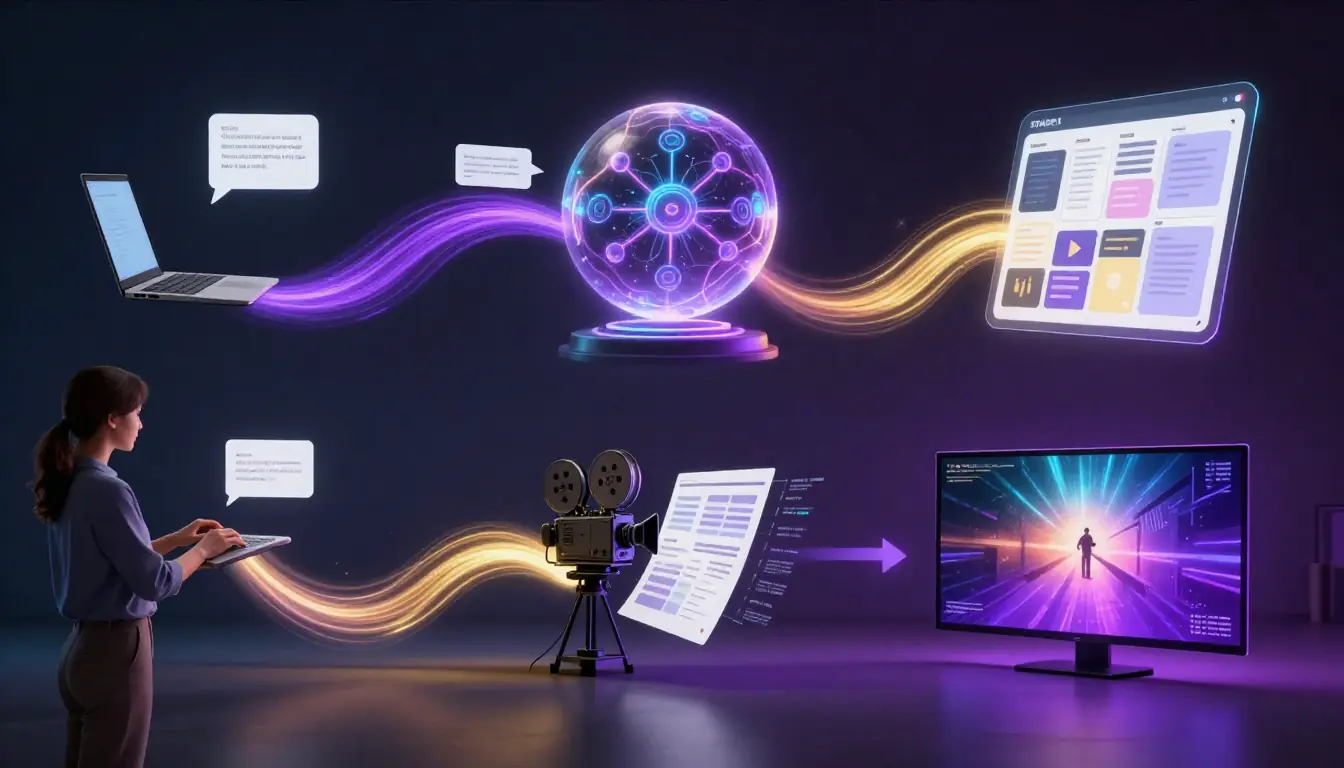
Treat generation as a loop: draft, test, measure, refine one variable at a time.
Step A — Capture the idea
You write one sentence with a subject and a verb. You avoid ten clauses.
You ask one practical question: what should move first? If you cannot answer, your prompt is still too vague.
Step B — Expand with structure
You open Video prompt generator. You generate two variants. You merge the best lines by hand.
You highlight lines that duplicate meaning. You merge synonyms until the prompt reads clean.
Step C — Align technical settings
You choose duration, resolution, and aspect ratio that match distribution. You avoid upscaling expectations beyond your pipeline.
You confirm whether you need text-to-video or image-to-video before you spend credits. You visit Text-to-video when you want the product context for motion-first workflows.
Step D — Generate with HappyHorse-1.0
You paste the prompt into the HappyHorse AI generation screen. You run a short test. You watch for motion errors early.
You avoid long first renders when you only test grammar. You keep previews short until the structure feels right.
Step E — Review like an editor
You judge motion, identity stability, material consistency, and lighting coherence. You note the first failure you see.
You pause on the earliest bad frame. You fix the prompt at the layer that caused that frame.
Step F — Iterate one knob
You change camera or lighting or action. You rerun. You compare.
You write a one-line note after each run. You build a causal chain instead of a vague memory.
Step G — Ship or storyboard next shot
You export for post. You storyboard the next beat if the campaign needs continuity.
You link back to Text-to-video AI: complete guide when you need the broader model vocabulary for longer series planning.
Review rubric (60-second pass)
| Signal | Pass looks like | Fail looks like |
|---|---|---|
| Subject continuity | same wardrobe, stable props | random outfit shifts |
| Motion intent | movement matches verb | drift or jitter unrelated to verb |
| Lighting logic | shadows match light direction | floating shadows or flicker |
| Materials | metal reads as metal | waxy plastic where it should be steel |
| Edges | clean silhouettes on key subjects | crawling edges on faces |
Workflow checklist (quick list)
- One subject lock per clip
- One primary motion
- Style and lighting agree
- Camera words match shot size
- Quality cues match genre
- Legal and rights reviewed
EEAT note
HappyHorse AI publishes this article as product educators. We ship HappyHorse-1.0 inside a web app creators use for real projects. We prefer transparent guidance over vague superlatives.
We describe prompt generators in general terms where the market shifts quickly. You should verify competitor pages on your own before you make purchase decisions.
We encourage you to keep a lab notebook. Prompt science rewards repeatability.
What we verified vs what we infer
- Verified inside our product: you can reach the HappyHorse Prompt Generator through the HappyHorse AI web app on happyhorse-turbo.org. You can route outputs into HappyHorse-1.0 generation flows when you follow the UI.
- Inferred from industry patterns: competitor assistants change UI often. We describe them as categories so this article ages better.
- Not claimed: we do not claim third-party benchmark scores unless we publish a named study.
How we want you to read comparisons
You should treat any table as a starting map, not a final verdict. You should run a one-hour bake-off on your own prompts. You should measure time-to-acceptable-clip, not single-frame beauty.
Glossary (short, practical)
Aspect ratio: width-to-height of the frame. You match ratio to channel norms before you prompt.
Bokeh: blur quality behind subjects. You mention it when you want separation, not when you need deep focus everywhere.
Continuity: stable wardrobe, props, and lighting across clips. You plan it when you build serialized content.
Generation: model render step that turns prompt plus settings into video. It is not the same as prompt drafting.
Image-to-video (I2V): motion from a still reference. You keep motion smaller when you need fidelity.
Negative prompt: words that tell the model what to avoid. You keep the list short and specific.
Prompt engineering: iterative language design for models. It is a craft skill, not a single trick.
Seed (if exposed): a randomness handle some tools offer. You record it when you need reproducibility.
Text-to-video (T2V): motion from language alone. You rely on clear nouns and camera words.
Temporal consistency: similarity across frames over time. You watch faces, logos, and edges.
Governance checklist for teams
- Brand: you list banned topics and banned visual tropes for your sector.
- Legal: you confirm likeness and trademark rules before you ship client work.
- Privacy: you avoid prompts that include real private data.
- Accessibility: you add captions in post because prompts do not guarantee readable text.
Governance quick table
| Risk area | Prompt habit that helps | Post habit that helps |
|---|---|---|
| Likeness | generic wardrobe, no named celeb | face blur if needed |
| Trademark | avoid exact logo requests | replace logos in design apps |
| Medical | no diagnostic claims | add human expert review |
| News | no fake event recreation | label synthetic clearly |
Team cadence: weekly prompt review (30 minutes)
You treat prompts like creative assets with owners. You avoid mystery folders that nobody updates.
| Minute block | Activity | Outcome |
|---|---|---|
| 0–5 | Read last week’s failures | You name three recurring artifacts |
| 5–15 | Merge duplicate templates | You keep one canonical line per use case |
| 15–25 | Test two new negatives | You add one ban that reduced edge crawl |
| 25–30 | Assign owners | One person updates the shared sheet |
You run this on HappyHorse AI outputs, not on vibes. You screenshot the first bad frame. You write the fix as a single layer change.
Roles in one sentence each
- Writer: proposes subject and action in plain English.
- Prompt editor: converts plain English into six-layer prompts for HappyHorse-1.0.
- Reviewer: rejects prompts with three lighting conflicts before generation.
- Producer: tracks rights, disclosure, and client approvals.
Three signals your cadence is working
- Your prompts get shorter while outputs get more stable.
- Your team uses the same ten camera phrases across campaigns.
- Your “failed prompt” notes include which layer you changed.
List: what you store beside the prompt text
- Aspect ratio you selected in the app.
- Duration you used for the test.
- Model: HappyHorse-1.0.
- Intent: text-to-video vs image-to-video.
- Reference image filename if I2V applied.
- Seed if the UI exposes it and you need repeatability.
You export this as CSV when your team lives in spreadsheets. You keep a Markdown log when you work solo.
FAQ
1) Is an AI video prompt generator the same as the video model?
No. The generator proposes language. The model renders pixels. On HappyHorse AI, you align both by feeding the final prompt into HappyHorse-1.0.
2) Will generated prompts always work on the first try?
No. You should expect iteration. You should change one variable at a time for cleaner learning.
3) Do I still need to learn camera terms?
Yes, if you want consistent professional results. Generators help you start faster. You still steer the ship.
4) Can I use the same prompt on every platform?
You can try, but ratios, codecs, and aesthetics differ. You should tune prompts for each channel and each model.
5) How does HappyHorse AI compare to generic chatbots for prompts?
Generic chatbots may ignore your video constraints. A focused tool prefers shot grammar and motion language aligned with HappyHorse-1.0 workflows.
6) What is the safest way to handle faces and people?
You avoid real-person impersonation. You follow platform policies. You disclose synthetic media when your region requires it.
7) Where do I go for deeper examples?
Read HappyHorse prompt guide: 50+ examples. Keep How to use HappyHorse: complete guide nearby.
8) What is my fastest path to a first good clip?
Open happyhorse-turbo.org, visit Video prompt generator, draft two prompts, then test on Text-to-video with HappyHorse-1.0.
CTA
Start at happyhorse-turbo.org and open the home page to pick your path. Use Video prompt generator when you want structured language fast. Use Text-to-video when you are ready to render with HappyHorse-1.0.
If you want the encyclopedic prompt library, bookmark HappyHorse prompt guide: 50+ examples. If you want onboarding detail, keep How to use HappyHorse: complete guide in your tabs.
Your next step: write one plain sentence about your subject. Generate two prompt variants. Keep the better structure. Delete fluff. Run a ten-second test. Edit one camera phrase. Run again.
Last-mile reminders before you publish
You compress your final export for each channel. You add sound in post. You add captions for accessibility. You keep a project folder with prompts, settings notes, and output files so your team can reproduce the look next month.
You return to this article when you change genres. You return to HappyHorse prompt guide: 50+ examples when you need fresh patterns. You keep HappyHorse-1.0 as your controlled baseline while you test new ideas.
You schedule a quarterly review for your prompt library because models evolve. You teach new teammates the same six-layer anatomy so your studio language stays consistent across projects.
You open Text-to-video AI: complete guide when you need the full model vocabulary in one place. You bookmark Video prompt generator and Text-to-video so your drafting path stays two clicks away from the home page.