
Image-to-video (I2V) AI animates a still picture into a short clip. This guide shows how it works, how to pick source images, and how to run a reliable workflow in HappyHorse AI with HappyHorse-1.0 on happyhorse-turbo.org.
Use the Home page when you need the main product hub. Read what HappyHorse AI is if you are new to the platform. Then continue here for motion from stills.
TL;DR
- I2V uses a reference image to anchor pixels. Text guides motion, but the first frame matters most.
- Strong lighting, clean edges, and a clear subject reduce drift and shimmer.
- HappyHorse AI supports image-driven generation alongside text workflows. Use HappyHorse-1.0 where available for balanced motion.
- Pair I2V with the text-to-video complete guide when you need exploration before you commit to a still.
- Compare vendors with best AI video generators in 2026, then validate with your own assets.
- Keep prompts calm, iterate with notes, and store prompts beside exported files for audit-friendly workflows.
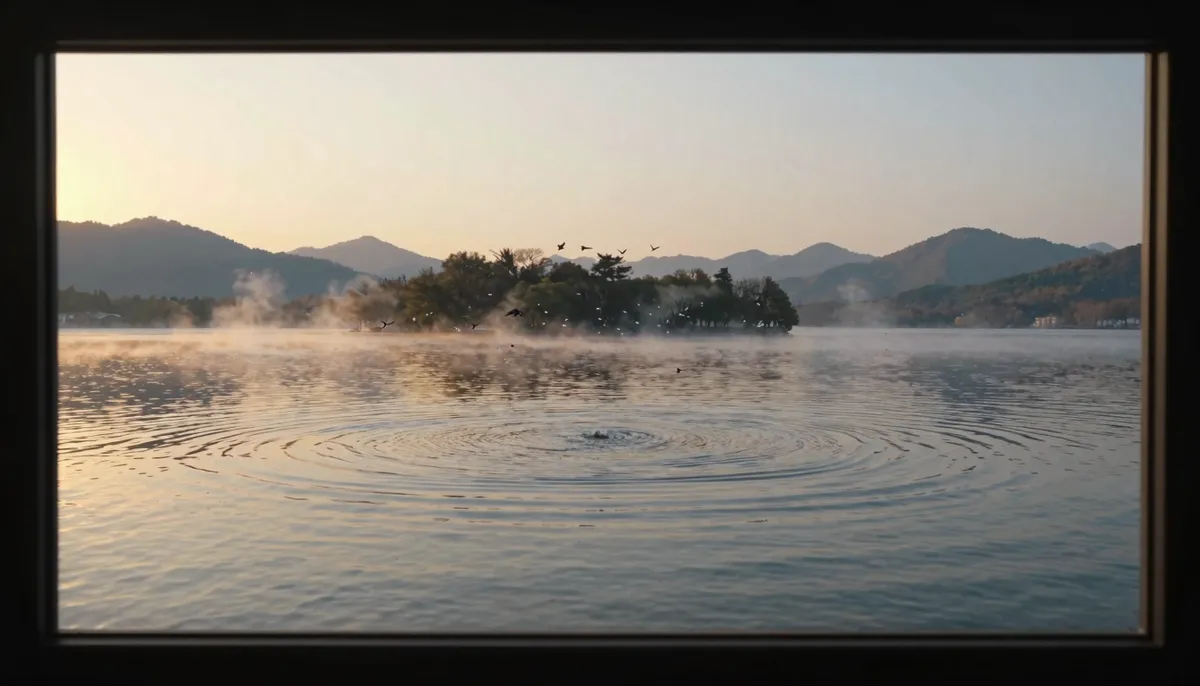
Image-to-video turns a curated still into motion. Start from a strong source frame.
What is image-to-video AI?
Image-to-video AI starts from pixels you provide. The model predicts the next frames while trying to respect your composition.
This differs from text-only video, where the model invents layout from language alone. I2V is useful when branding, packaging, or a portrait must stay recognizable.
Typical outputs remain short. Short clips stabilize easier than long takes.
Teams use I2V for social ads, product teasers, and storyboard animatics. Solo creators use it to make photos feel alive.
A simple mental model
Think of the still as a locked first frame. Think of motion as a controlled departure from that frame.
If departure is too wild, the model invents new pixels that no longer match your photo.
If departure is too small, viewers barely notice motion. Balance is the job.
What clients actually buy
Clients buy outcomes and timelines. They do not buy model acronyms.
Translate your process into milestones. “Still approved Monday, I2V draft Tuesday, post labels Wednesday” builds trust.
Show side-by-side comparisons with clear labels. People trust what they can see and reproduce.
The core I2V loop: still input, conditioning, and generated motion over time.
I2V versus simple pans and zooms
Classic editors can Ken Burns a photo. I2V can propose parallax, subtle facial motion, or environmental movement.
Ken Burns moves the frame. I2V tries to invent content outside the crop. That difference matters for tight shots.
Pick Ken Burns when you need perfect control. Pick I2V when you need organic motion beyond scaling.
When hybrid workflows win
Many teams Ken Burns a plate for stability, then I2V a separate layer for hero motion. Compositing takes time, but control returns.
You can also generate I2V wide, then reframe in post. Extra resolution helps if your tool exports high enough pixel counts.
Always match grain and noise across layers. Mismatched noise reads as fake even when motion is good.
Table: pick I2V, Ken Burns, or T2V
| Need | Start with |
|---|---|
| Approved still must stay true | I2V |
| Simple slide show energy | Ken Burns |
| Wild exploration without assets | T2V from text-to-video guide |
Who this guide is for
Photographers learn how to protect skin tones and texture. Marketers learn how to animate packs and labels with fewer reshoots.
Educators learn how to keep diagrams stable while adding motion accents. Developers learn enough to script review steps for teams.
EEAT note on claims and testing
We describe widely reported behaviors of I2V systems. Your assets and settings will change results.
HappyHorse AI updates features over time. Confirm labels like HappyHorse-1.0 inside the app before you standardize a pipeline.
Keep dated exports for compliance reviews. Auditors prefer files and prompts over memory.
What you should not expect from I2V
Do not expect perfect lip sync from a still portrait unless the product explicitly offers that feature.
Do not expect faithful reproduction of tiny serial numbers or QR codes. Capture those in post.
Do not expect legal clearance from a cool result. Rights live in contracts, not in model weights.
Do not expect identical results month to month. Model updates can shift motion style with the same prompt text.
Treat every render as a fresh sample unless your tool documents deterministic seeds. Sampling noise still exists in most consumer systems.
Note the export date in your prompt doc when stakes are high. Reviewers ask when and how you generated the clip.
How image-to-video AI works
Most consumer I2V systems combine image encoders with video generators. The still becomes a conditioning signal across time.
Some pipelines encode the image once. Others refresh features each frame for stability.
Motion comes from text prompts, motion presets, or camera verbs. Strong verbs beat vague ones.
Training teaches plausible transitions, not perfect physics. Expect edge cases with liquids and collisions.
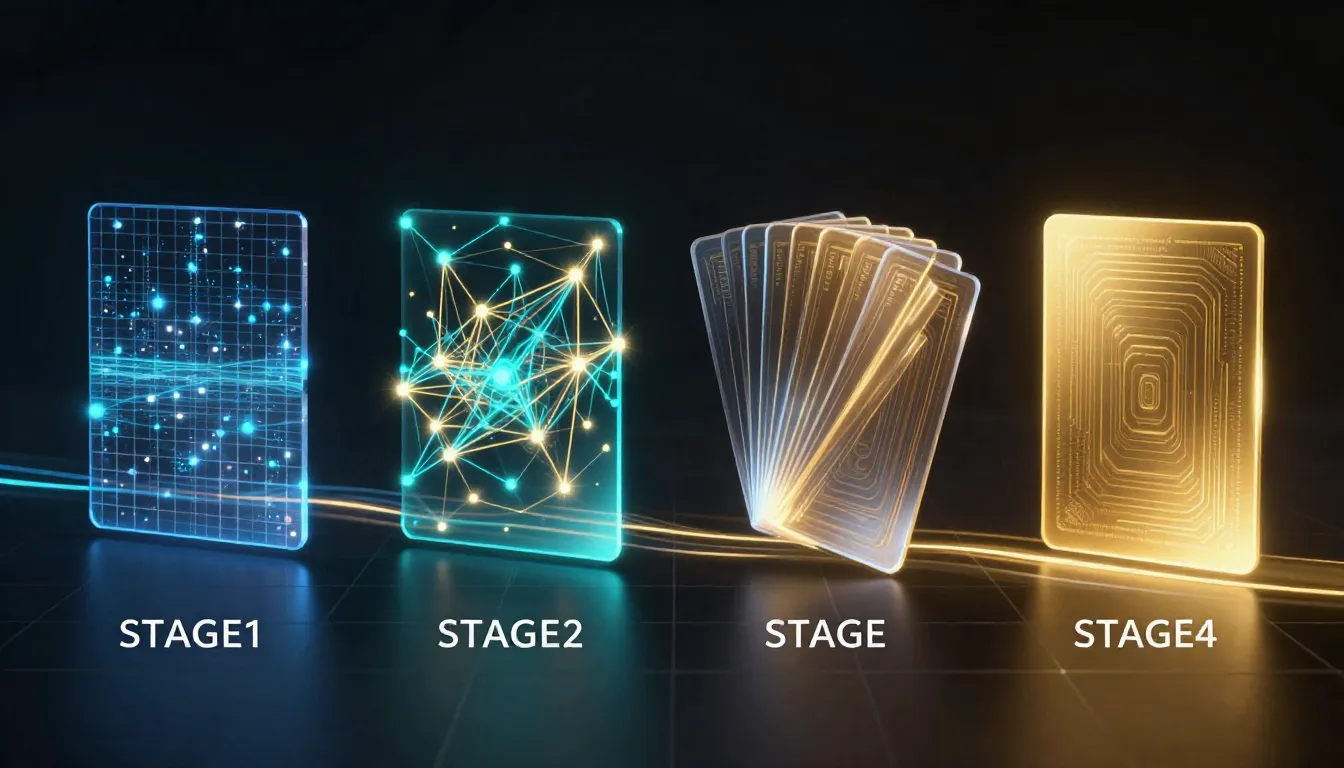
Image features condition temporal synthesis. Text steers what changes between frames.
Conditioning in plain language
The model asks what should move and what should stay fixed. Your prompt answers with nouns and verbs.
If the prompt fights the image, you get warping. Harmony beats creativity when you need brand fidelity.
Negative prompts, when available, reduce common artifacts. Use them sparingly and test impact.
Encoder behavior without the math
An image encoder turns your photo into features the temporal model can read. Bad features mean bad motion.
High contrast edges sometimes overdrive attention. Softer backgrounds can stabilize faces slightly.
Uniform regions can drift because the model invents micro-texture. A tiny gradient in backplates can help.
Temporal stability and why stills matter
A noisy source image gives the model noisy gradients. Noise turns into crawling textures during playback.
High-frequency patterns like hair, grass, or mesh can shimmer. Slight blur in post sometimes helps, but it also reduces detail.
Center your subject with breathing room. Extreme crops can confuse depth cues.
List: encoder-friendly still habits
- Expose for the subject so features are not crushed or clipped.
- Avoid heavy sharpening that paints halos around edges.
- Keep horizons straight when the scene needs believable depth.
Resolution and aspect ratio realities
Upscaling a tiny photo does not create new detail. It spreads guesses across more pixels.
Match aspect ratio early. Late crops can reintroduce composition stress the model already solved.
If your still is vertical, describe vertical-friendly camera moves. Sideways energy can feel odd.
Color science basics for still masters
Start with neutral white balance when truth matters. Wild stylized grades can fight motion prompts.
Soft contrast is often easier to animate than crushed HDR extremes. Extremes amplify banding.
If you shoot RAW, export a balanced TIFF or PNG before I2V. Give the model a sane starting histogram.
Common failure modes
- Identity drift: the subject slowly becomes a different person.
- Object duplication: mirrors or reflections spawn extra items.
- Texture swimming: backgrounds ripple without real motion.
- Contact errors: hands pass through objects.
Quick diagnostic list
Use this list after each render:
- Does the face stay the same age across the clip?
- Do logos remain readable without morphing?
- Do shadows follow a single light direction?
- Does the camera move match your verbs?
When to preprocess in Photoshop, GIMP, or Resolve
Remove sensor dust spots. They can animate into strange flicker.
Clean stray hairs on product tables if they distract motion attention.
For documents, consider masking sensitive numbers before upload when policy requires redaction.
Step-by-step tutorial: image-to-video with HappyHorse AI
These five steps map to a repeatable team workflow. Adjust names to match your folders.
Step 1: Select and prepare your source image
Pick the highest-quality master still. Avoid heavy JPEG artifacts if you can use PNG or TIFF sources.
Straighten horizons for landscape shots. Fix white balance before generation when possible.
Crop to intent, but leave context for parallax. Tight crops reduce background cues.
Step 1 production notes
If you work from client photos, confirm usage rights for derivative video. AI motion is still derivative work in many deals.
For product shots, keep labels facing the camera when labels must read cleanly. Extreme angles increase warp risk.
Name files with project and date. brand-product-front-2026-04-09.png beats final-v2-really.png.
If you must use a screenshot, expect UI moire patterns. Those patterns often shimmer when animated.
For phone photos, check sharpening halos. Phone HDR can add crunchy edges that confuse motion models.
Table: rights questions before you upload
| Question | Action if “no” |
|---|---|
| Can we animate this still? | Get written approval |
| Can we post on paid social? | Amend the license |
| Does talent consent cover synthetic motion? | Seek a new release |
Step 2: Write a motion-first prompt
Describe camera behavior before you describe fantasy action. Stable cameras often produce cleaner results.
Add one primary motion. Multiple simultaneous actions increase failure rates.
Include style words that match the still. A photoreal photo should not get a sudden cartoon shader unless you want that shift.
Step 2 production notes
Avoid contradictory verbs. “Static tripod” and “wild orbit” rarely belong together.
If you want subtle life, try “micro-movement” or “ambient drift” before you add big gestures.
Keep a prompt library. Reuse proven lines for camera and lighting.
Translate client buzzwords into camera language. “Premium” might mean soft speculars and slow dolly energy.
If you localize prompts for another language, re-test motion. Multilingual behavior can shift subtly.
Step 3: Upload in HappyHorse AI and set controls
Open the image-to-video workflow on happyhorse-turbo.org. Follow onboarding in the complete HappyHorse guide if you need UI orientation.
Upload your still. Wait for preview thumbnails to finish processing before you edit text.
Select HappyHorse-1.0 when it matches your plan. Confirm duration and aspect settings.
Step 3 production notes
Match aspect ratio to your distribution channel. Center important content for vertical crops.
If the tool allows strength sliders, start conservative. Strong motion can detach subjects from backgrounds.
Log upload timestamps for client audits. Traceability matters for enterprise teams.
Step 4: Generate, review, and mark issues
Generate a first pass. Watch twice: once at normal speed, once frame by frame if possible.
Mark timestamps for issues. “0:02 hand overlap” beats “looks weird.”
Decide if the fix belongs in the prompt, the source image, or an external edit.
Step 4 production notes
If faces are present, check teeth and eyes first. Small regions show instability early.
If products are present, check label lines for waviness. Plan post graphics if text must be perfect.
If backgrounds move too much, tighten camera language and reduce global motion words.
If hands interact with objects, watch contact points for a full second. Contact errors break immersion fast.
If water or glass appears, expect refraction challenges. Simplify prompts or shorten duration.
Step 5: Export, version, and share for review
Export the best take in a lossless or high-bitrate format if downstream color is planned.
Store prompt text beside the video file. Future you will thank present you.
Share review links with clear disclaimers for synthetic media if your policy requires labels.
Step 5 production notes
Version prompts with semantic labels. v-wobble-fix helps more than v7.
Keep a “do not use” folder for failed renders. They train new teammates on constraints.
Schedule re-tests after model updates. I2V rankings can shift silently.
Best source images for I2V
Good sources share a few traits. They have clear subjects, stable lighting, and manageable texture complexity.
Bad sources often hide problems until motion begins. Compression blocks, motion blur from the original photo, and tiny text all hurt.
Good versus bad stills (visual checklist)
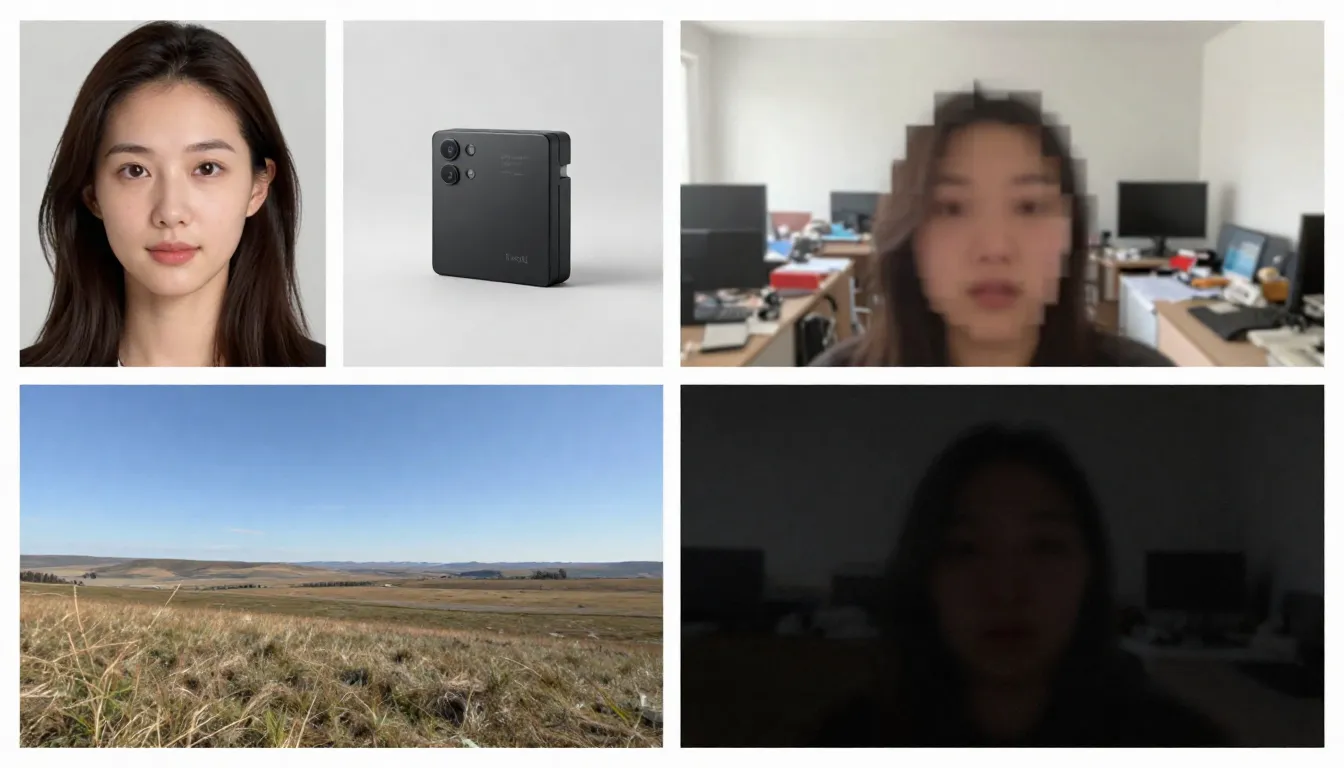
Choose clean, well-lit masters. Avoid heavy compression and chaotic backgrounds when you need control.
Traits of a strong still
- Sharp focus on the main subject
- Consistent lighting direction
- Room for subtle camera movement
- Neutral clutter or a simple backdrop
Traits of a risky still
- Severe motion blur from the camera
- Tiny high-contrast text across curved surfaces
- Mirrors without a clear plan for reflections
- Extreme noise or banding from low light
Table: quick still scorecard
| Signal | Green flag | Red flag |
|---|---|---|
| Sharpness | Crisp edges on the hero subject | Soft smear across key lines |
| Lighting | One clear key direction | Flickering mixed color casts |
| Background | Simple or intentionally styled | Random clutter near edges |
| Text | Large, optional, or planned for post | Tiny disclaimers on curves |
Preprocess tips that help
Slight denoise can reduce shimmer. Do not obliterate skin texture unless the style demands it.
Lift shadows carefully. Crushed blacks turn into unstable patches during temporal prediction.
Consider separate layers in post for text overlays instead of forcing readable type inside I2V.
Best image-to-video tools (comparison table)
Use this table as a starting point. Validate with your product category and legal constraints.
| Tool focus | Strength | Trade-off | Best for |
|---|---|---|---|
| HappyHorse AI | Unified workflows and HappyHorse-1.0 for practical motion | Features depend on plan and region | Teams that want a focused web pipeline on happyhorse-turbo.org |
| Mobile-first apps | Fast sharing | Less fine control | Casual social posts |
| Pro compositing stacks | Maximum manual control | Longer timelines | High-end finishing houses |
| Research-grade local models | Tweakable internals | Setup and maintenance | Engineers with GPU time |
External pricing changes often. Run a pilot before annual contracts.
Pilot design that actually teaches
Pick three stills: easy, medium, and evil. Evil might be thin glass, dense foliage, or a busy street sign.
Run the same prompt skeleton across tools. Change only the platform, not fifteen variables at once.
Record pass or fail with reasons. Patterns emerge fast when notes are honest.
Why HappyHorse AI is a sensible default testbed
HappyHorse AI focuses on generation workflows rather than generic chat. That focus shortens the path from upload to preview.
HappyHorse-1.0 targets everyday motion tasks rather than laboratory extremes. That target matches most marketing needs.
You can still test elsewhere. Keep HappyHorse AI as a stable baseline in your score sheet.
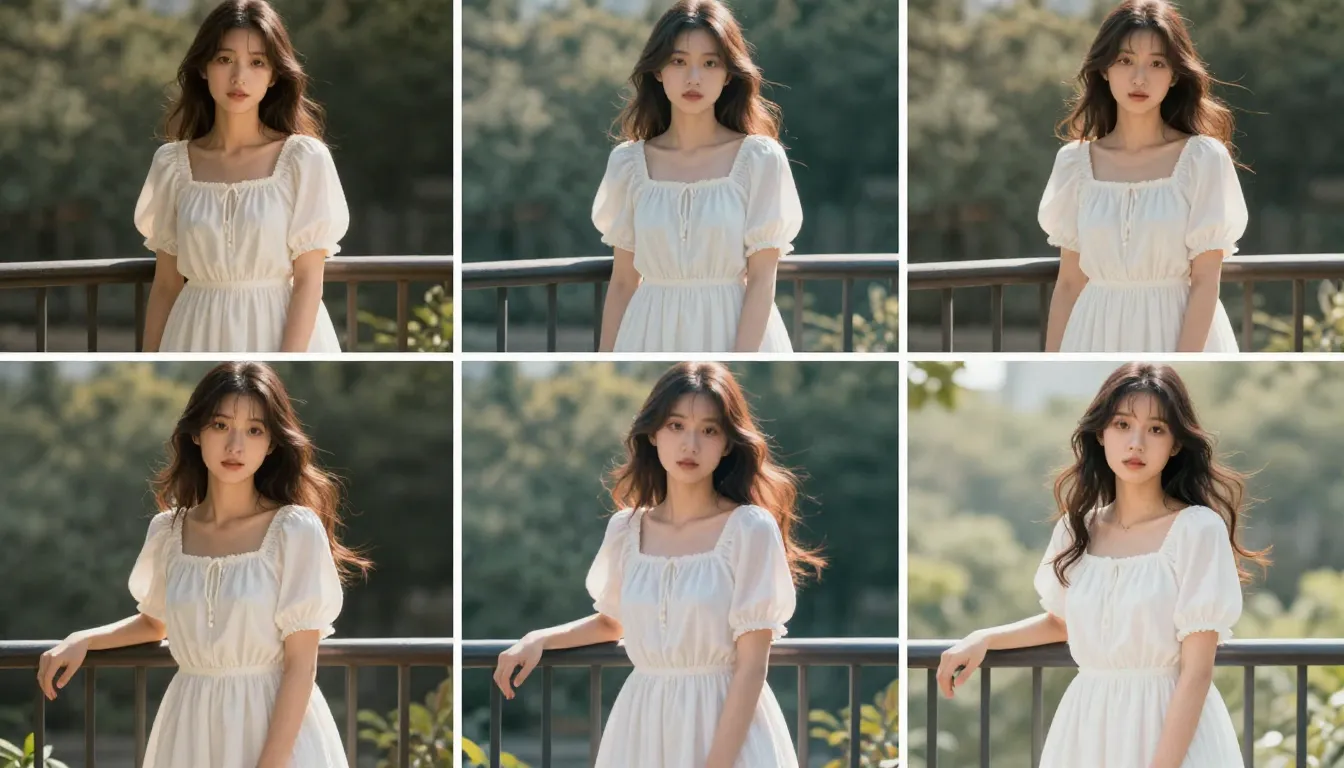
Compare tools on real briefs, not screenshots alone.
Selection criteria that survive hype
Measure how well each tool preserves identity on your hardest portrait. Marketing demos use easy faces.
Measure edge integrity on products with thin lines. Those lines expose warping early.
Measure export formats. Your finishing pipeline matters as much as the first render.
Creative use cases
Portrait animation
Portraits need subtle motion for credibility. Big gestures often break likeness.
Ask for gentle breathing, soft eye movement, or slight head drift. Keep hair motion modest unless you want stylized drama.
Review skin texture across frames. Waxy skin often means your prompt is too aggressive.
If the subject wears glasses, watch for frame warping and reflection crawl. Reduce head rotation verbs when warping appears.
If jewelry is present, keep motion calm. Thin chains can jitter because they sit in high-frequency detail.
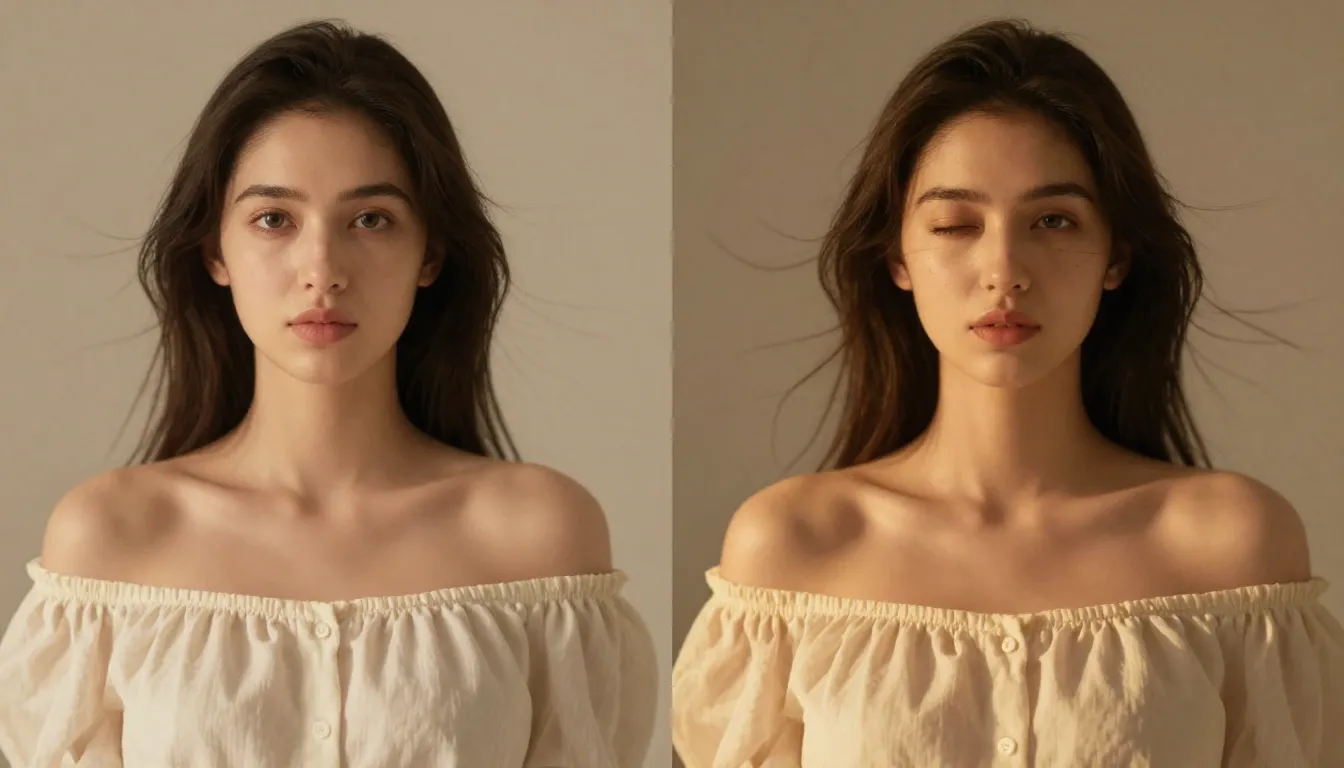
Portrait I2V rewards conservative motion words and stable lighting in the source photo.
Product showcase
Product shots need stable geometry. Start with a clean pack shot and mild camera push.
Avoid asking for liquid pours unless you tested simpler motions first. Liquids fail often.
Plan label legibility in post. Generators rarely print perfect nutrition facts.
If you show multiple products, reduce count in the still. Crowded shelves increase occlusion errors.
If you show reflective lids, expect highlight drift. Softening reflections in the still can help.
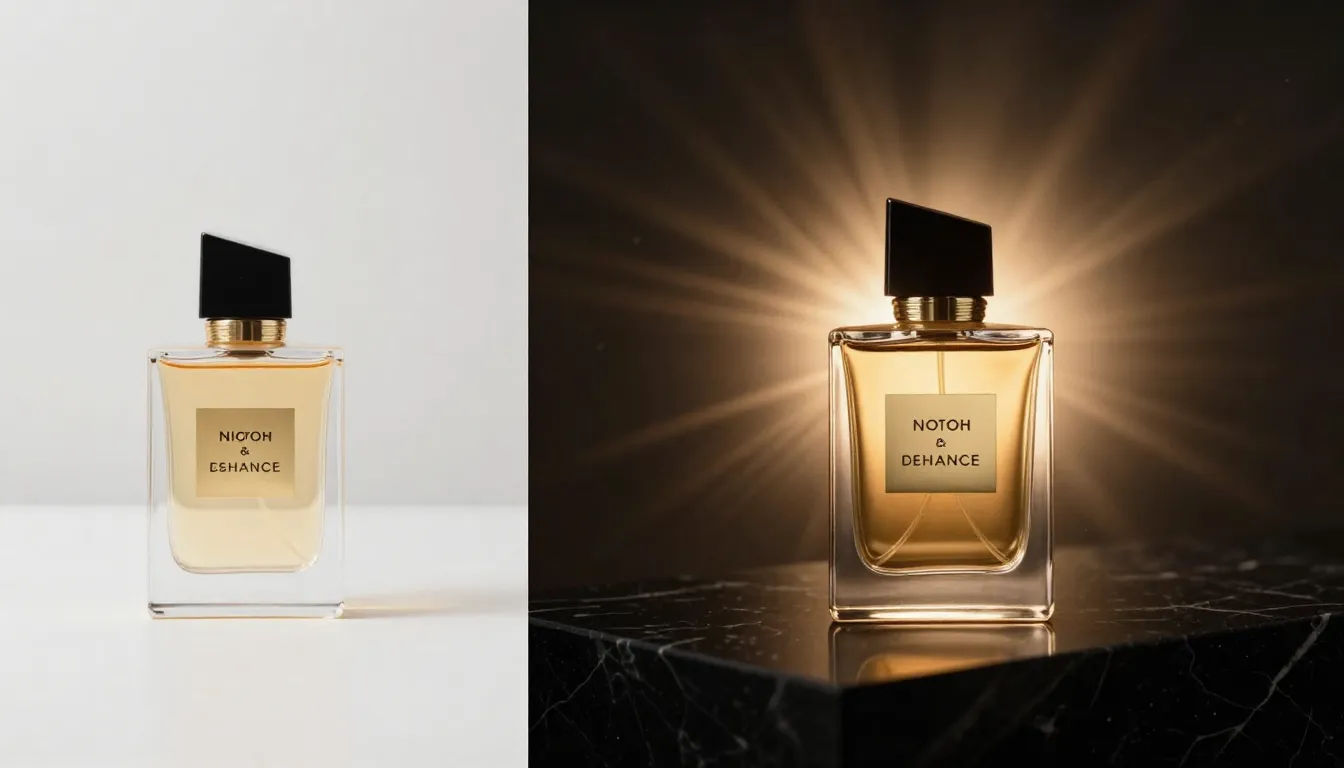
Product I2V works best with one hero action and a steady camera description.
Landscape timelapse feel
Landscapes benefit from slow parallax and moving clouds. Keep human figures small if you include them at all.
Watch horizon lines. Curved horizons get worse with camera verbs that imply roll.
Use natural light words that match the still. Golden hour language clashes with a noon photo.
If you want a timelapse feel without sky replacement, ask for “slow cloud drift” instead of “storm buildup.”
If water appears, specify gentle motion. Violent waves rarely match a calm photo exposure.
If forests dominate the frame, expect leaf shimmer. Simplify wind words when shimmer appears.

Landscape motion stays believable when speed words match the scene scale.
Storyboard and previsualization
Storyboards need readable silhouettes. High contrast helps the model track shapes.
Keep actions simple. Story beats read better with clear poses than with busy environments.
Export early cuts to editorial. Timing matters more than perfect textures for pitch decks.
Number panels in filenames so editorial order stays obvious. sb-01-wide-establish.png helps teams stay aligned.
If dialogue matters, animate mouths only when the risk is acceptable. Otherwise keep faces calm and add VO in post.
If vehicles appear, avoid complex wheel rotation early. Wheels are a common failure point.
List: storyboard panel prompts that stay readable
- Silhouette first so the beat reads in grayscale.
- One gesture per panel so motion does not fight itself.
- Stable horizon unless tilt is part of the joke.
Use case risks to track
Portraits touch likeness and consent rules for some brands. Follow your legal playbook.
Products touch claims and disclaimers. AI motion does not validate ingredient statements.
Public spaces may include identifiable signage. Blur or replace in post when needed.
First frame and last frame control
Some workflows let you specify a last frame or a target pose. When available, this feature reduces guesswork.
Treat endpoints like bookends. The middle still invents itself, so keep arcs simple.
If last-frame control is unavailable, simulate it with shorter clips and cuts in your NLE.
Camera movement vocabulary
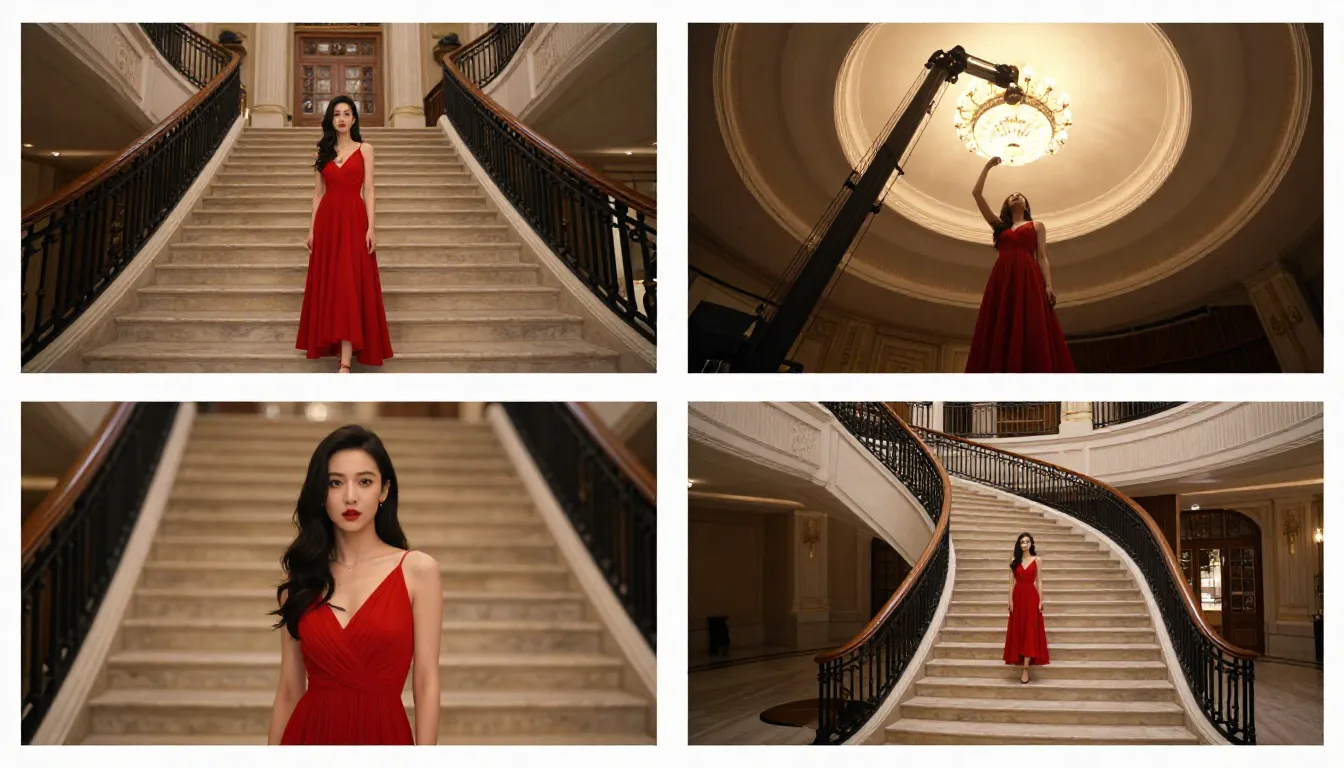
Match camera words to the still. Conflicting movement language creates jitter.
Movement words that usually behave
- Slow dolly in for product hero shots.
- Locked tripod for interviews and talking heads.
- Gentle handheld for documentary vibe when you want slight life.
Movement words that often misbehave
- Fast orbit around complex geometry.
- Crash zoom on detailed faces.
- Spin around text-heavy objects.
Depth cues and occlusion
Occlusion is hard. When one object passes in front of another, models can flicker edges.
If occlusion glitches appear, reduce overlapping motion. Separate layers in compositing if needed.
Depth-of-field photos can confuse motion because blur hides boundaries. Slightly deeper focus helps some pipelines.
I2V prompt tips (practical patterns)
Anchor with the image. Mention the subject once with concrete nouns, then describe motion.
Keep prompts under a tight word budget unless your tool rewards long context. Noise grows with length.
Use temporal adjectives. “Gradual,” “smooth,” and “continuous” can reduce pops.
Separate lighting from motion. Confused prompts merge both and create muddy results.
Reference style without stealing identity
Describe wardrobe types, not famous people. Describe lighting styles, not copyrighted film titles unless you own rights.
Keep brand language in post layers when possible. That habit reduces strange glyph generation.
Negative prompts when supported
Try negatives for warped hands, extra limbs, or duplicated objects. Test one negative at a time.
Avoid giant negative lists. They can fight your primary intent.
When to switch to text-to-video instead
Switch when you lack a strong still and need exploration. The text-to-video complete guide covers that path.
Switch when you need surreal scenes that never existed as a photo. I2V cannot invent a faithful still you never uploaded.
Budgeting time on real client work
Assume three iterations for new categories. Assume one iteration for repeat SKUs with stable lighting.
Assume extra review for talent shots. Stakeholders notice face issues faster than background issues.
Assume sound and graphics time separately. Silent I2V rarely ships alone in professional work.
Team review template
- Goal: one sentence.
- Source file: name and version.
- Prompt: final text only.
- Issues: timestamps and notes.
- Decision: approve, revise source, or revise prompt.
Post-processing chain that works for many teams
Generate in HappyHorse AI, then color grade in Resolve or Premiere. Add text in After Effects or Figma exports.
Add film grain only at the end. Grain hides issues, but it also hides mistakes you should fix earlier.
Keep sound design separate. Foley and music sell motion more than extra camera verbs.
Accessibility and social responsibility
Add captions for dialogue if you add dialogue in post. I2V does not ensure accuracy.
Avoid generating sensitive scenarios. Follow platform safety rules and your company code of conduct.
Label synthetic media when platforms or laws require labels. Disclosure builds trust with audiences.
Metrics worth tracking internally
Track time from still approval to approved clip. That metric reveals workflow friction.
Track rerun rate per SKU. High rerun rates mean your prompts or sources need a template update.
Track reviewer comments by category. Patterns show whether issues are motion, likeness, or brand compliance.
Table: pilot stills for honest benchmarks
| Tier | Example still | What it tests |
|---|---|---|
| Easy | Clean product on seamless | Geometry stability |
| Medium | Portrait with glasses | Reflection and edge cases |
| Hard | Rain, foliage, or glass | Texture shimmer stress |
FAQ
What is image-to-video AI?
Image-to-video AI generates a short video sequence using a still image as the primary visual reference, guided by prompts and tool settings.
How does HappyHorse-1.0 help in HappyHorse AI?
HappyHorse-1.0 is the model line tuned for practical generation tasks inside HappyHorse AI. Pick it when you want balanced results within the platform workflow.
Do I still need a good photo if the AI animates it?
Yes. Animation amplifies flaws. Start with a clean master still whenever possible.
Can I2V preserve exact product labels?
Often no. Plan post work for crisp typography and regulated claims.
Is image-to-video better than text-to-video for branding?
Usually yes when you must match a pack, logo pose, or photo campaign. Text-to-video wins when you need wide exploration.
What duration should I use at first?
Start short. Short clips accumulate fewer temporal errors.
Can I use I2V output commercially?
Depends on your account terms and region. Read HappyHorse AI policies and consult counsel for high-stakes campaigns.
Where do I start on HappyHorse AI?
Visit happyhorse-turbo.org, open the homepage, and go to image-to-video. Bring a strong still and a calm prompt.
Start animating photos with HappyHorse AI
You now understand I2V mechanics, source-image discipline, and a five-step workflow you can repeat. Open HappyHorse AI and use image-to-video with HappyHorse-1.0.
Bookmark the text-to-video complete guide for days when you need language-first exploration. Keep best AI video generators in 2026 as a market snapshot, then trust your own tests.
Return to the homepage for product entry points. Use the complete HappyHorse guide when you onboard new teammates.
Closing checklist
- Source still is clean and licensed for your use case.
- Prompt emphasizes camera and one primary motion.
- Review includes frame checks, not only real-time playback.
- Exports live next to prompts for reproducibility.
Ship small tests, learn your failure patterns, and scale what works.
Long-term skill building
Great I2V users learn photography basics. Exposure and composition still drive results.
Great I2V users learn editing basics. Cuts and speed ramps fix more than prompt spam.
Great I2V users keep ethics in frame. Trust is a brand asset, not a checkbox.
Revisit this guide after your next twenty renders. Patterns you could not see at first will feel obvious later.
If you want one habit only, make it this: change one variable at a time. That habit saves more hours than any single prompt trick.